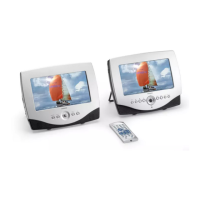
Control reference guide
Main unit
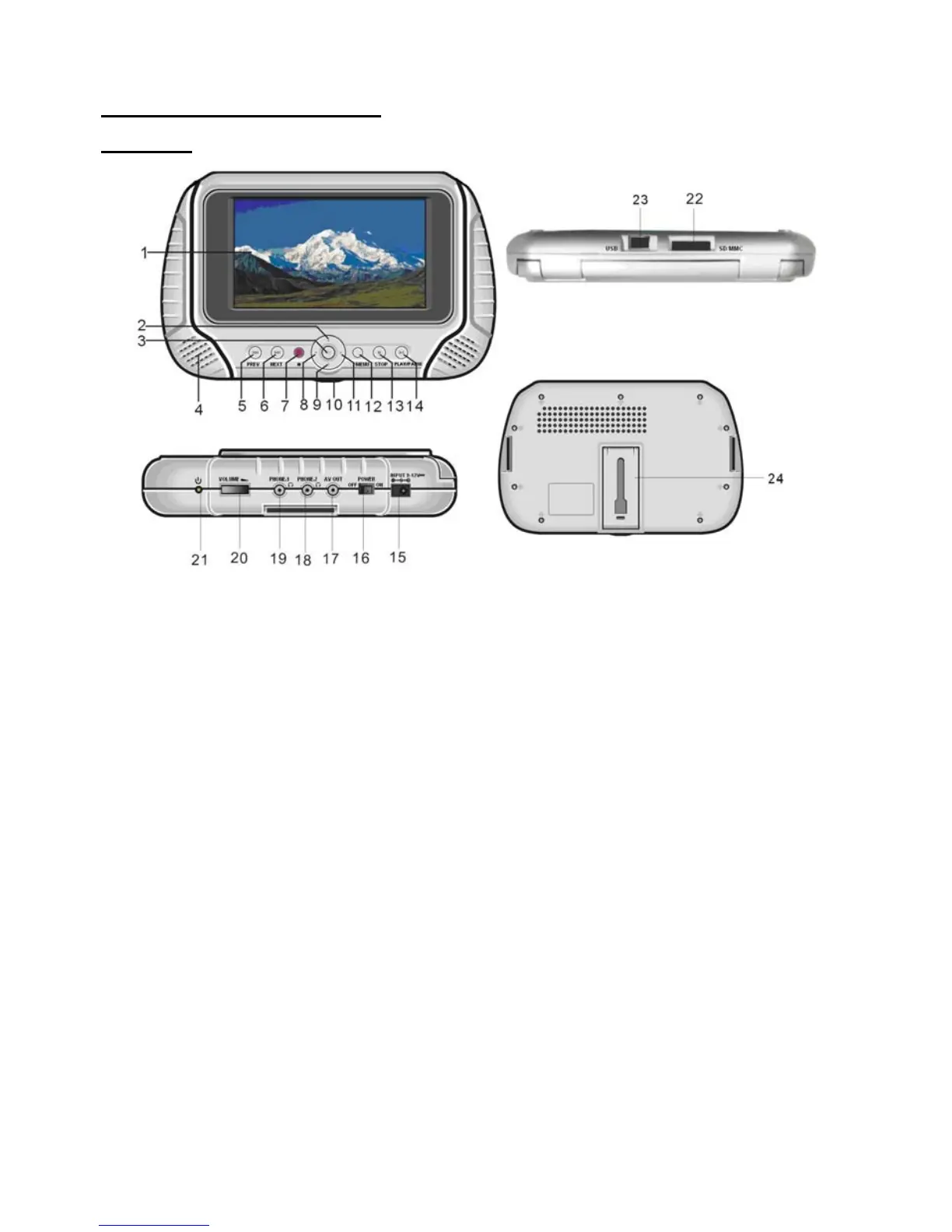
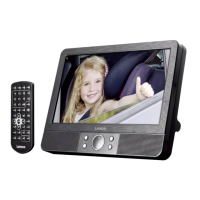
1. TFT Display window - Displays all information about DVD work scene.
2. UP navigation button - Press this button to move up.
3. OK button - Press this button to confirm a selection.
4. Built-in Speakers.
5. PREV button - Press this button to move left or to skip to the previous chapter or title (for DVD) or
track (for VCD/ CD).
6. NEXT button - Press this button to move right or to skip to the next chapter or title (for DVD) or track
(for VCD/ CD).
7. Remote Control Sensor
8. LEFT navigation button - Press this button to move left.
9. DOWN navigation button - Press this button to move down.
10. JAG - Push the door upward from the jag of the door cover
11. RIGHT navigation button - Press this button to move right.
12. MENU button - Press this button to return to the root menu (for DVD) or to turn on/off the PBC
(for VCD)
13. STOP button - Press this button to halt playing.
14. PLAY/PAUSE button - Press this button to start or pause playing the disc.
15. DC In Jack - Power input jack.
16. Power Switch- Switch this knob to turn on/off the player.
17. AV Out Jack - Connect to TV or other external AV equipment to use the player as a signal source.
18. PHONE 2 - Connect headphone to this jack for private listening.
19. PHONE 1 - Connect headphone to this jack or private listening.
20. Volume - Rotate this knob to adjust the volume to a suitable level.
21. Power Indicator - It is green in working mode.
22. SD/MMC card slot
23. USB slot
24. Holder - Pull the back bracket out, you can support and place the player levelly on the stage.
5


 To Next Page