EasyManua.ls Logo

LENCO MES-216 - User Manual

LENCO MES-216
31 pages
Print Icon
To Next Page IconTo Next Page
Loading...
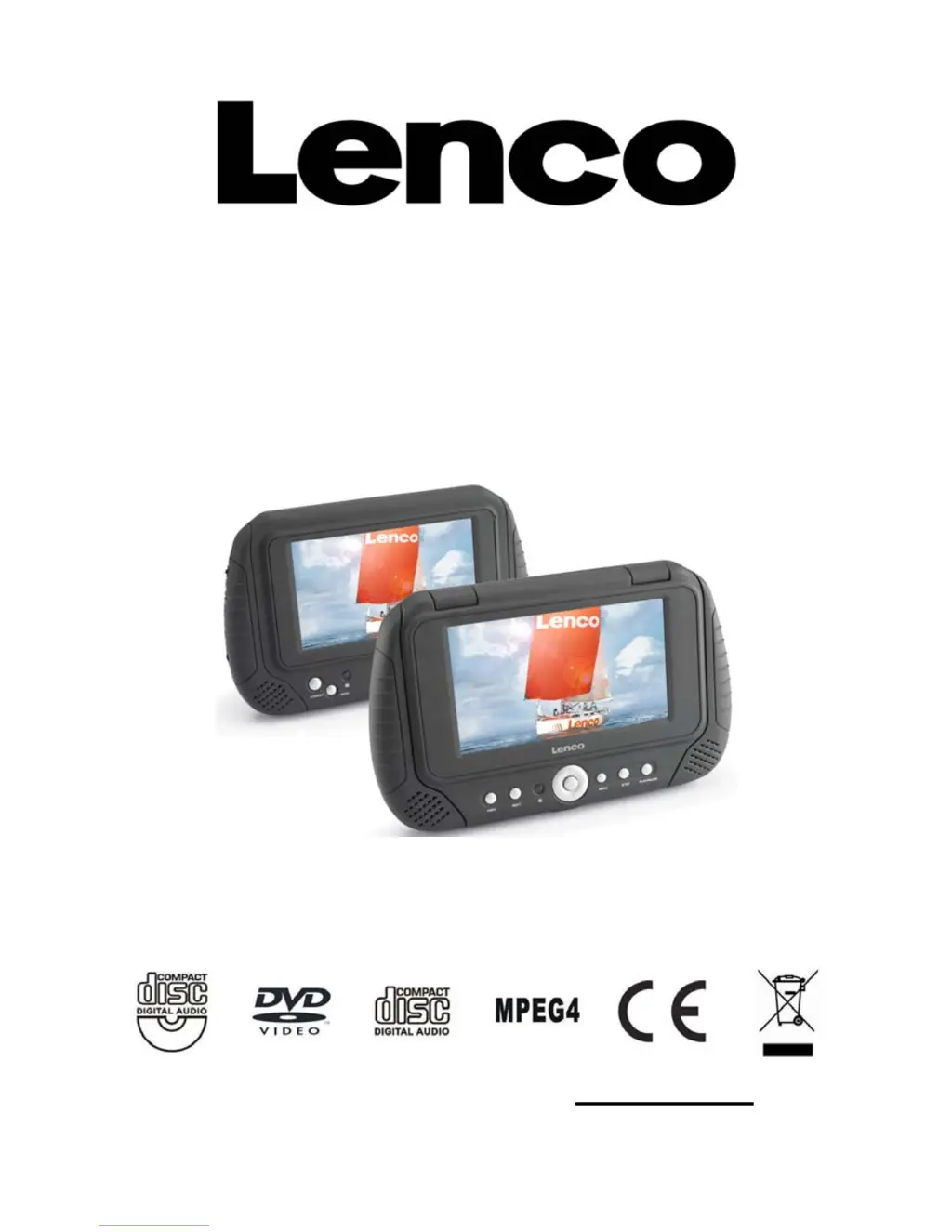
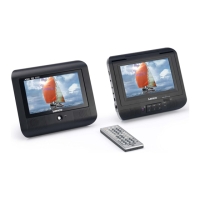
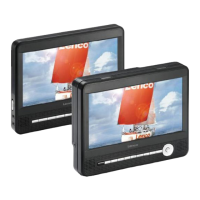
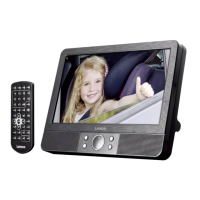
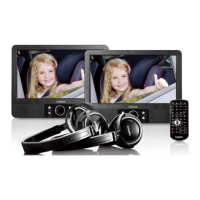
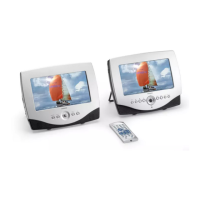
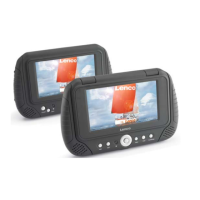
7” TWINS SCREEN
PORTABLE DVD PLAYER AND MONITOR
MES-216
USER MANUAL
Please read and keep these instructions
For information and support, www.lenco.eu

Questions and Answers

  • T
    Tina NewmanSep 12, 2025
    Why can't I select alternative audio or subtitle languages on my LENCO MES-216?
    • A
      Alicia WardSep 12, 2025
      If you can't select an alternative language, it could be because the disc doesn't contain multiple language options. If the DVD has a menu, try selecting the language from there.
  • N
    Nicholas DavenportSep 13, 2025
    Why can't I change the angle on my LENCO MES-216?
    • E
      Erin MathisSep 13, 2025
      The ability to change the viewing angle depends on the software (disc) itself. Even if a disc has multiple angles recorded, they may only be available for specific scenes.
  • P
    Paul BrooksSep 15, 2025
    Why can't I play the menu on my LENCO Portable DVD Player?
    • T
      Tammy HoustonSep 15, 2025
      This function is only available for Video CDs with playback control.

LENCO MES-216 Specifications

General IconGeneral
Supported FormatsDVD, CD, MP3, JPEG, MPEG1, MPEG2, MPEG4, Xvid
Media typeDVD, CD
ConnectivityAV output, headphone jack
Power sourceAC adapter, Rechargeable battery
Accessories includedAC adapter, remote control

Related product manuals