Connecting an external audio source
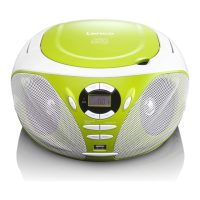
Connect a 3,5 mm stereo jack aux cable to the AUX IN socket (18).
1. Slide the FUNCTION switch (16) into CD/USB (AUX IN) position. The unit will
now activate the AUX IN mode.
2. Slide the FUNCTION switch (16) into OFF position to turn off the unit.
Note: A 3,5mm stereo jack cable is not included.
You can only increase / decrease the volume by using the volume control (17).
All other functions need to be operated from the external audio source.



 To Next Page