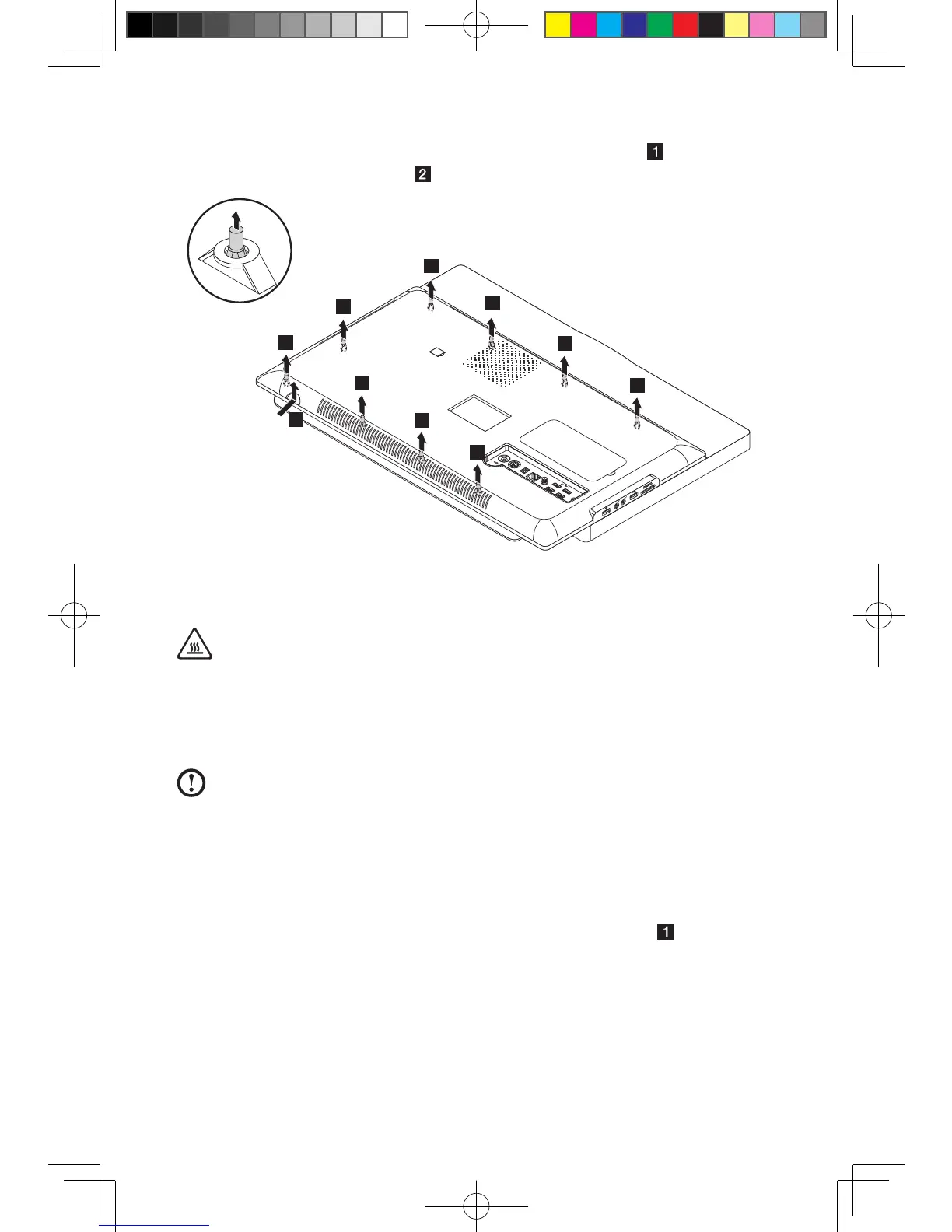
5. Lift up the computer cover gently from the bottom right corner to release
the cover from the setscrews
.
Replacing the hard disk drive
Attention:
Turn off the computer and wait 3 to 5 minutes to let the computer cool
before replacing the hard disk drive.
To replace the hard disk drive:
Note: For this procedure, it helps to place the computer face-down on a soft
atsurface.Lenovorecommendsthatyouuseablanket,towel,orothersoft
cloth to protect the screen surface from scratches or other damage.
1. Remove the computer stand. Refer to “Removing the computer stand”.
2. Remove the computer cover. Refer to “Removing the computer cover”.
3. Disconnect the data and power cables from the hard disk drive.












 To Next Page