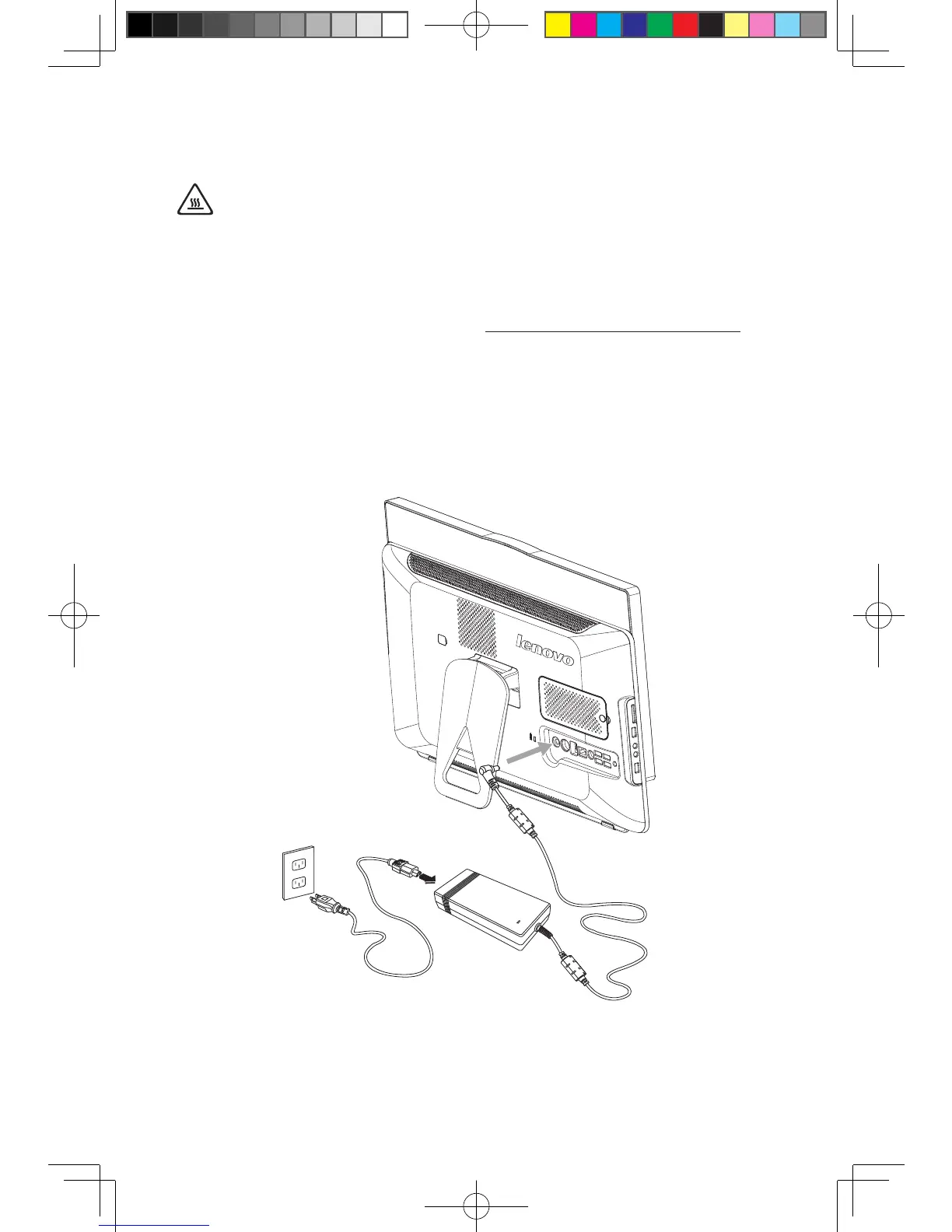
Replacing the power cord or power adapter
Attention:
Do not remove the computer cover or attempt any repair before reading the
“Important safety information” in the Safety and Warranty Guide that was
included with your computer or in the Hardware Maintenance Manual (HMM)
for the computer. To obtain copies of the Safety and Warranty Guide or
HMM, go to the Support Web site at http://consumersupport.lenovo.com.
To replace the power cord and power adapter:
1. Remove any media (diskettes, CDs, or memory cards) from the drives,
shut down your operating system, and turn off all attached devices and the
computer.
2. Locate the connector for the power cord. Refer to “Rear view”.
3. Disconnect the failing power cord and adapter from the computer and connect
the new power cord and adapter to the same connector.












 To Next Page