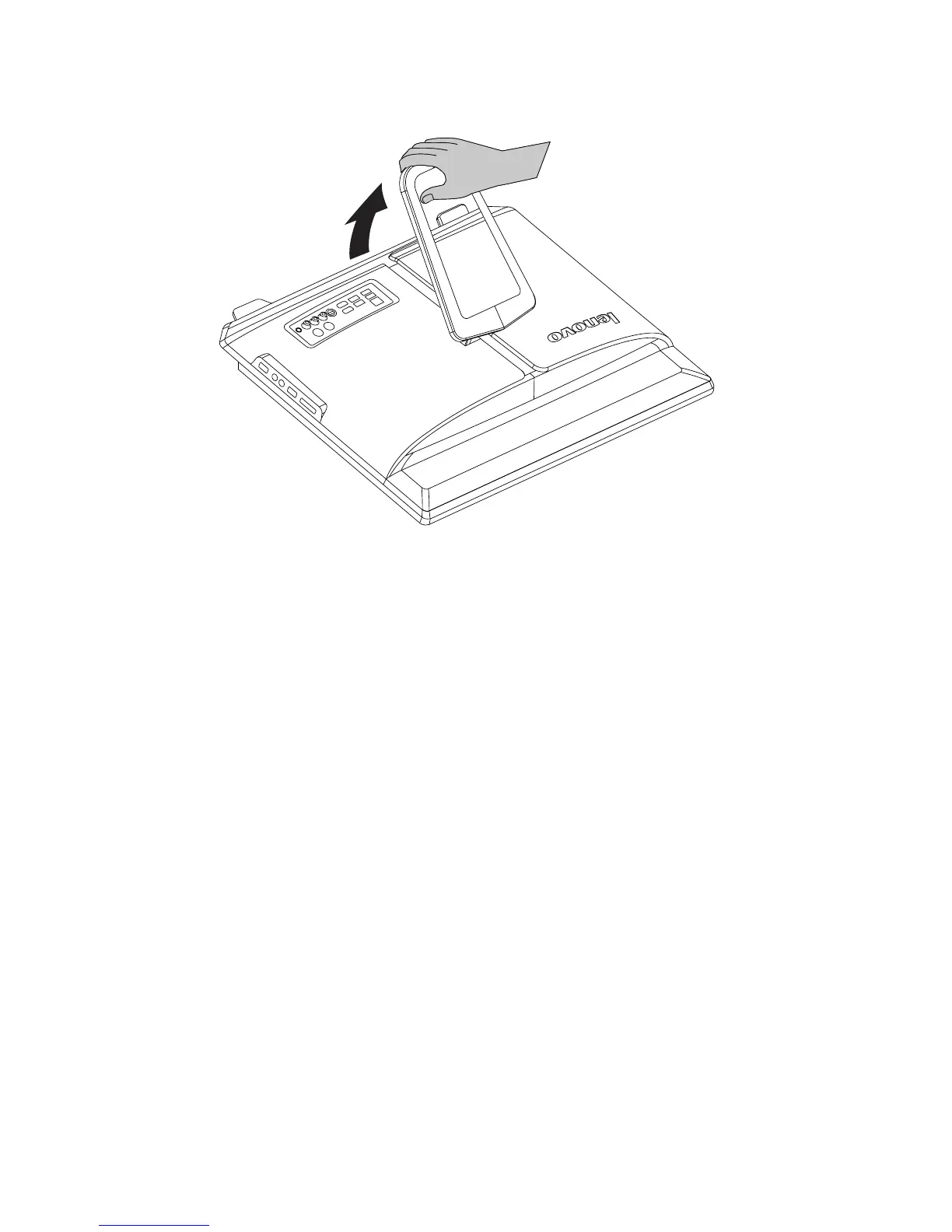
To open the computer stand, do the following:
The computer can be mounted on the wall.
To mount the computer on the wall, you need to install a wall mount VESA bracket
adapter* (some models are shipped with this part) on the back of the computer.
Using this bracket adapter to install a UL listed standard wall mount (purchased
separately) to make the computer mounted on the wall.
Refer to Hardware Replacement Guide (HRG) for detail steps.
* VESA bracket adapter spec: VESA100, 100mm x 100mm, M4 bolts.












 To Next Page