2.2.2RelatedTouchScreenSettings
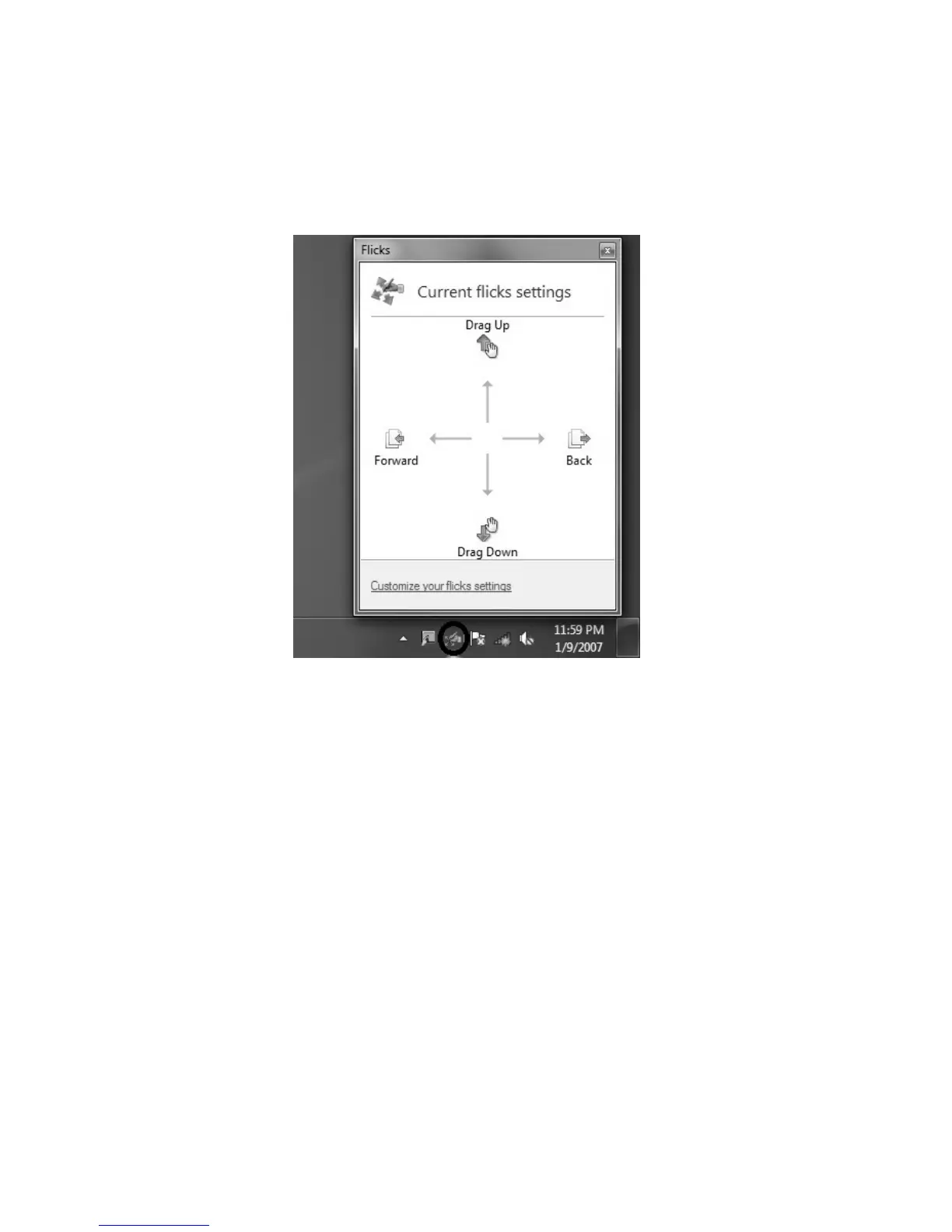
1. Flicks: In the notification area of the taskbar at the bottom of the screen, click on
the Flicks icon, and the current Flicks window will appear. Click once anywhere
in this window to enter Flicks Training. The user can perform operations
according to the advice given on screen.












 To Next Page