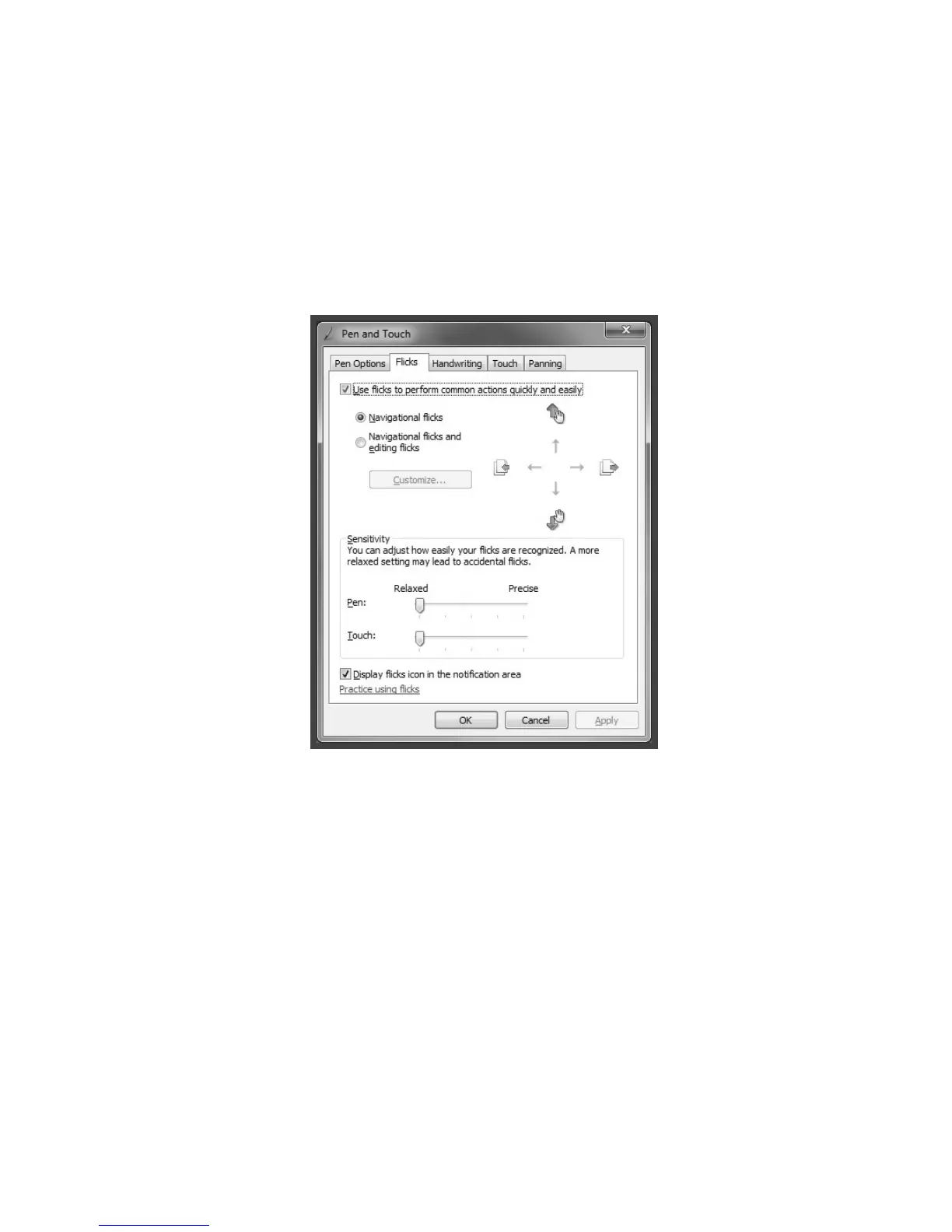
2. For more detailed configuration, you can click on the Flicks icon in the
notification area of the taskbar at the bottom of the screen, then click on
“Customize your flicks setting” in the Flicks pop-up window. In the “Pen and
Touch” window, the user can adjust more settings related to “Pen and Touch”
according to their specific preferences.
On the Flicksmenu you can:
• SelectcommonlyusedFlicksoperationgroups
• Adjustthesensitivityofthetouchscreen












 To Next Page