1.5 Connecting your computer
Use the following information to connect your computer:
• Lookforthesmallconnectoriconsonthebackofyourcomputer.Matchthe
connectors to the icons.
Note: Your computer might not have all of the connectors that are
described in this section.
1.5.1 Check the voltage rating before you connect the
equipment to an electrical outlet to ensure that the
required voltage and frequency match the available
power source.
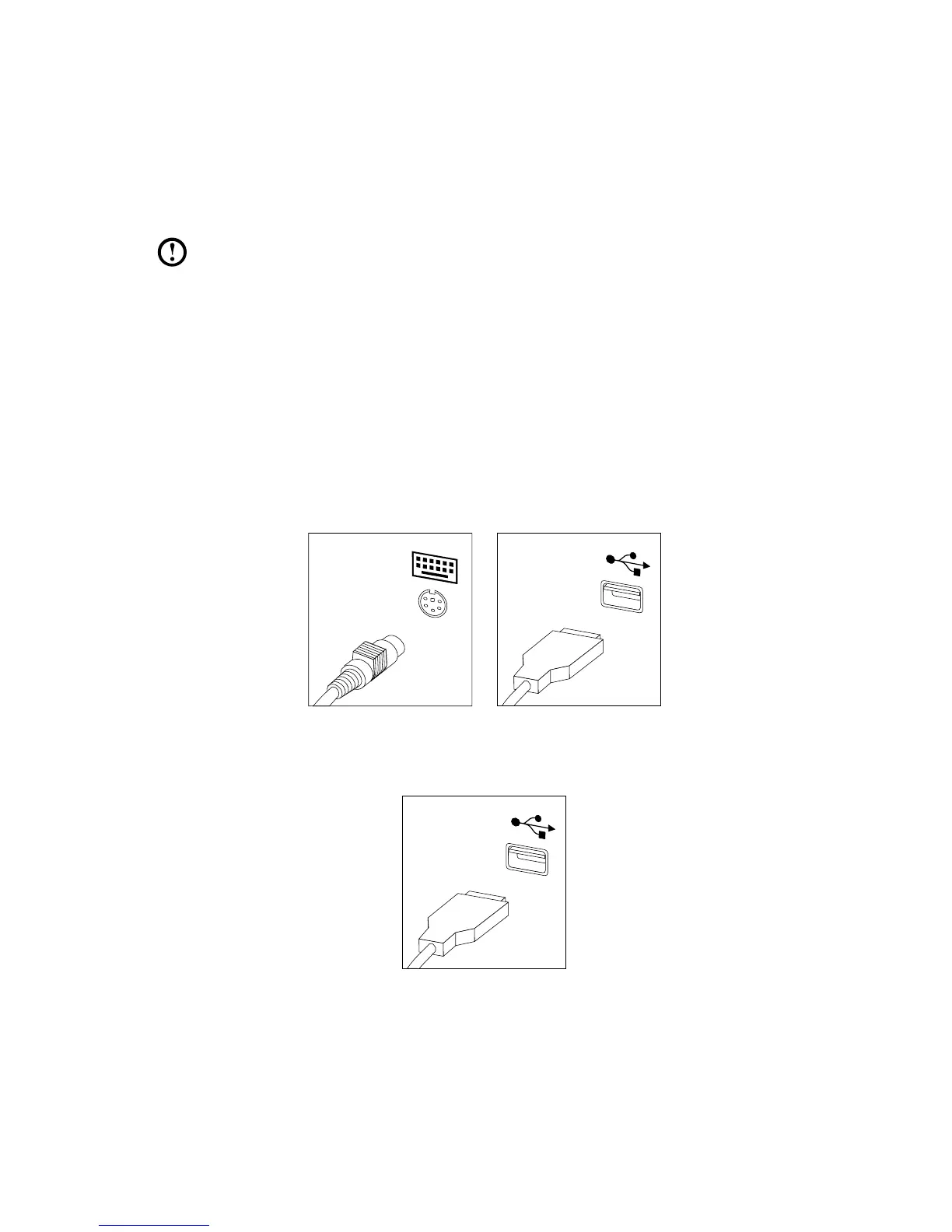
1.5.2 Connect the keyboard cable to the appropriate keyboard
connector (PS/2 connector or USB connector).












 To Next Page