2.2 User Gesture Instructions for the Touch screen
The Touch screen supports single touches and rotational movements, enlargement
and reduction multi-touch operations, and the user can transmit position
information to the computer via touch. The touch screen uses a non-pressure
movement recognition method, which only needs the finger to move lightly on the
computer display screen or make a simple hand gesture to be detected by the
main computer processor.
Note: The touch screen only allows the use of finger for touch screen
operation.
2.2.1BasicHandGestures
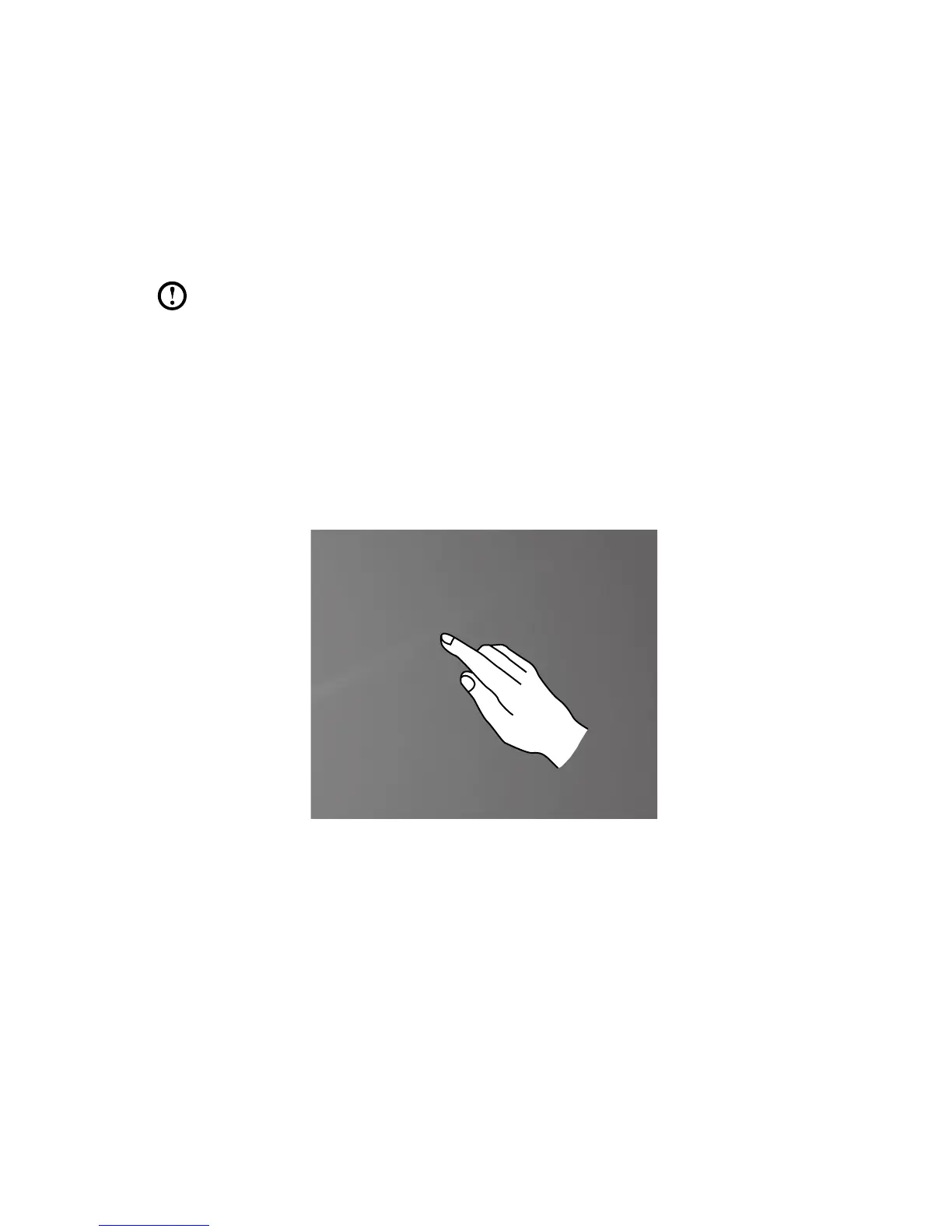
1. Single Click / Double Click
For the item selected on the touch screen, with one finger touch it one or two
times, to perform a single click or double click operation. This is similar to the
action performed by clicking the left mouse button.












 To Next Page