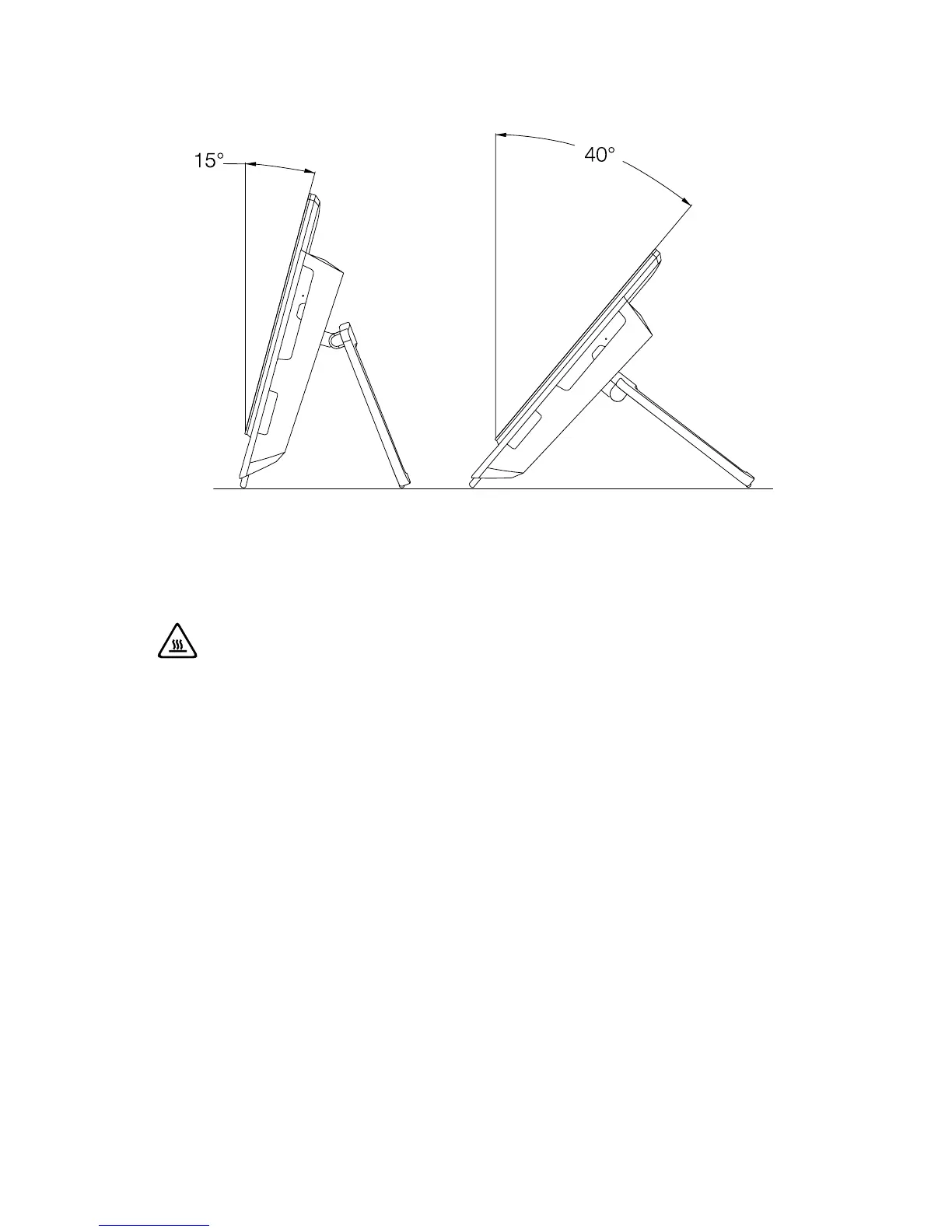
1.4 Computer stand instruction
Use the stand to position the display to your preference. It can be rotated between
15º and 40º from the vertical.
The stand provides stability to the computer; it is not a removable part.
Attention:
1. The computer stand must remain installed at all times to ensure
maximum system stability.
2. Make sure the angle of the computer is at least 15 degrees from the
vertical; otherwise the computer will be unstable and could fall over.












 To Next Page