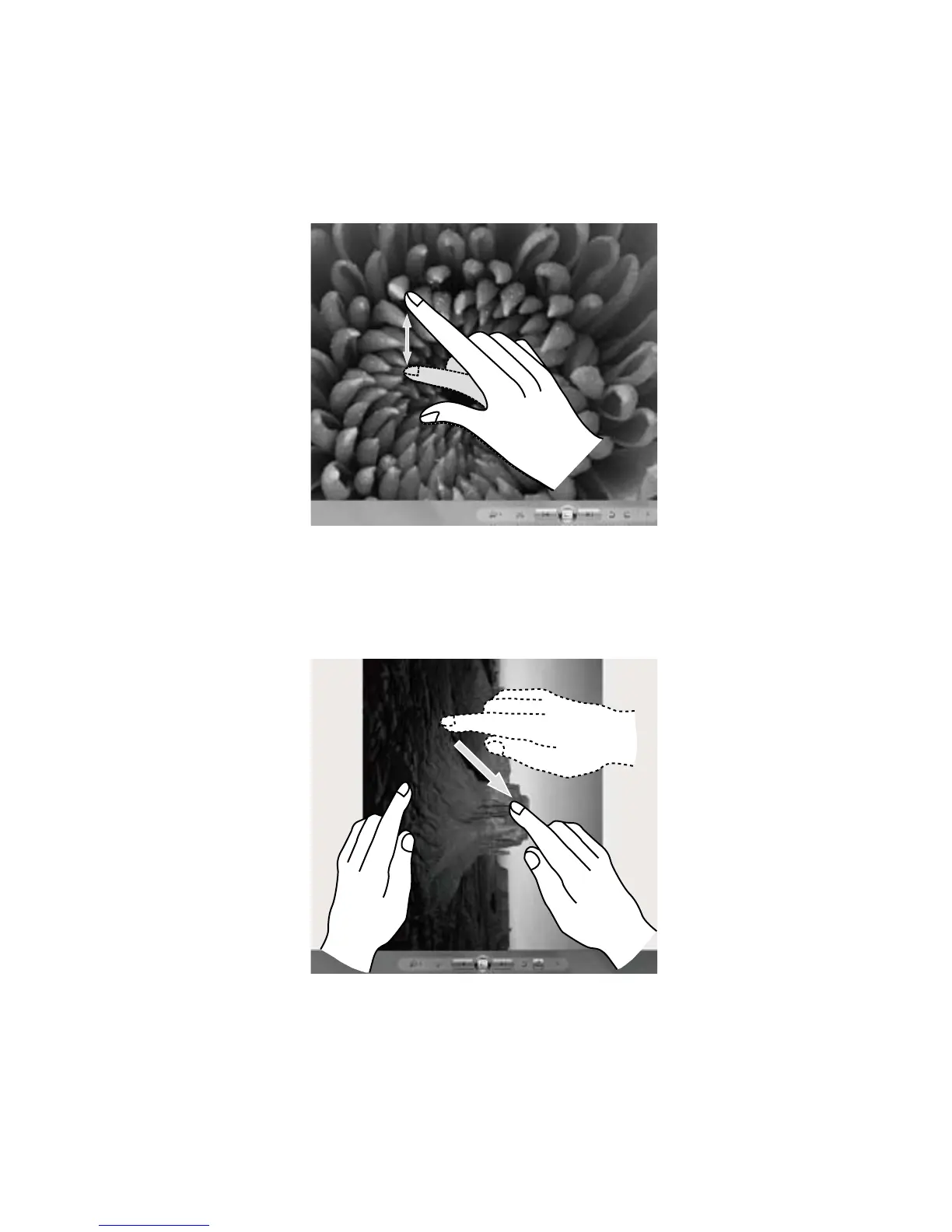
7. Zoom Operation
Touch two fingers lightly on the desired item on the touch screen, then keeping
both fingers on the screen, change the distance between them. By increasing (or
decreasing) the distance, you can perform a zoom out (or zoom in) operation. For
example: you can enlarge or reduce the picture size in Windows Photo Viewer.
8. Rotation Operation
Use two figures to touch the desired item on the touch screen, then rotate them
in the desired direction. For example: you can rotate the picture which is being
displayed in Windows Photo Viewer.












 To Next Page