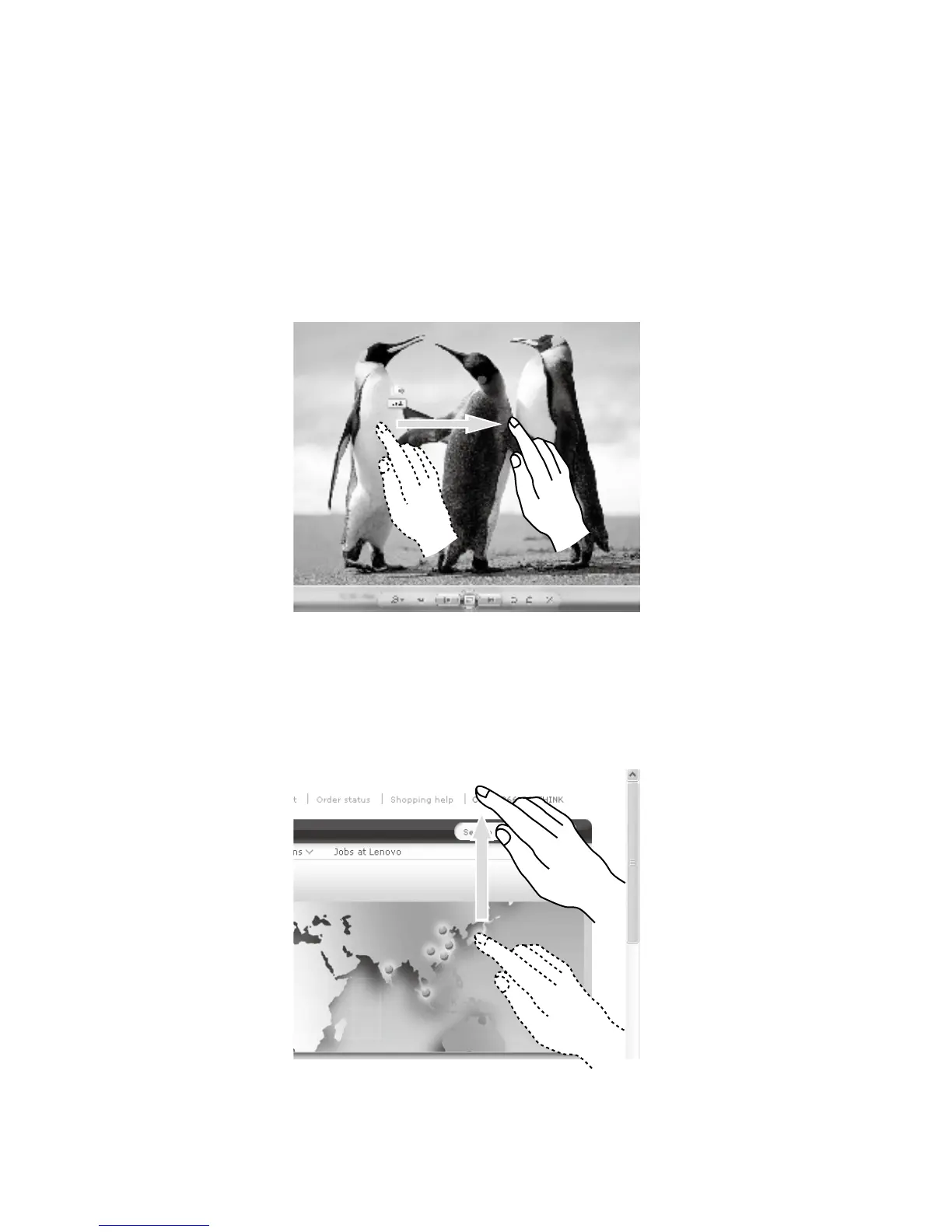
5. High Speed Slide
If you touch the screen with a single finger and slide it a short distance horizontally
(about 5 cm), then quickly lift it up again, this is called a High Speed Slide, and the
screen will show the “Forward” or “Back” icon.
In the default situation, a high speed horizontal sliding movement will execute a
forward or back operation. For example: Forward and Back operations for the
IE browser; or Previous and Next slide operations in Windows Photo Viewer
slideshow mode.
6. Rolling Movement
When you move your finger one time vertically (or horizontally) on the touch screen,
this is called a Rolling Operation. For example: This operation is similar to moving
the scroll wheel on the top of a mouse, and produces the same results as the scroll
wheel interface does.












 To Next Page