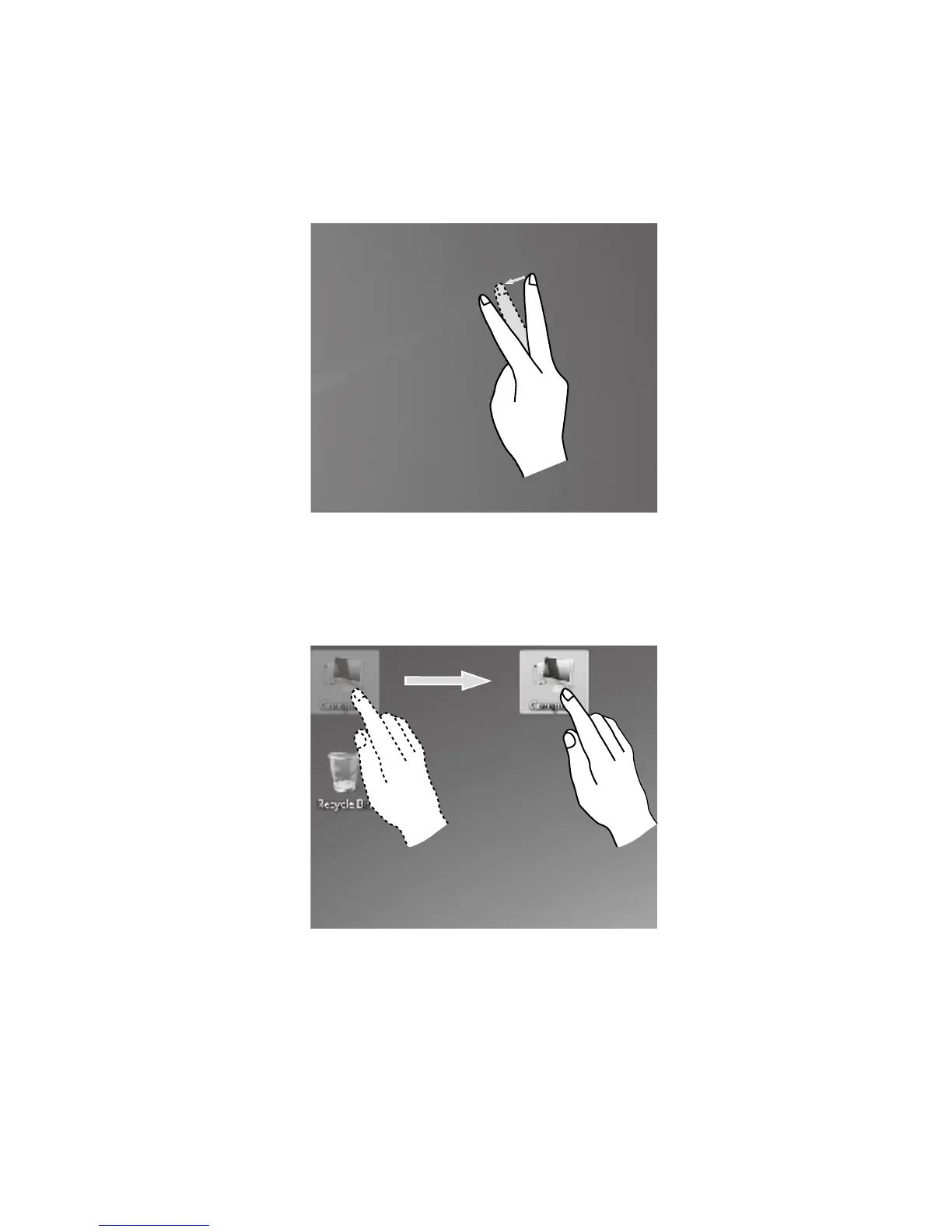
3. Double Finger Right Click
First touch a finger to the screen to select the desired item and hold it there, then
touch another finger anywhere nearby on the screen and quickly lift it up again,
to complete a double finger right click operation. The area where the first finger is
placed can be used to show the right-click menu or perform related operations.
4. Dragging Movement
First touch your finger on the desired item on the screen and hold it there, then
make a dragging movement. This is similar to the click and drag movement you
can make with a mouse.












 To Next Page