Chapter 2. 2-3
Adjusting your monitor image
This section describes the control features to adjust your monitor image.
Using the direct access controls
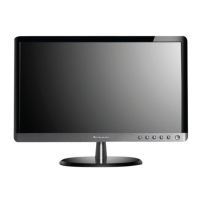
The direct access controls can be used when the On Screen Display (OSD) is not
displayed.
Table 2-1. Direct access controls
Icon Control Description
Image Setup Activates automatic image adjustment
Brightness Direct access to Brightness adjustment


 To Next Page