Chapter 1. 1-2
Product overview
This section will provide information on adjusting monitor positions, setting user controls, and
using the cable lock slot.
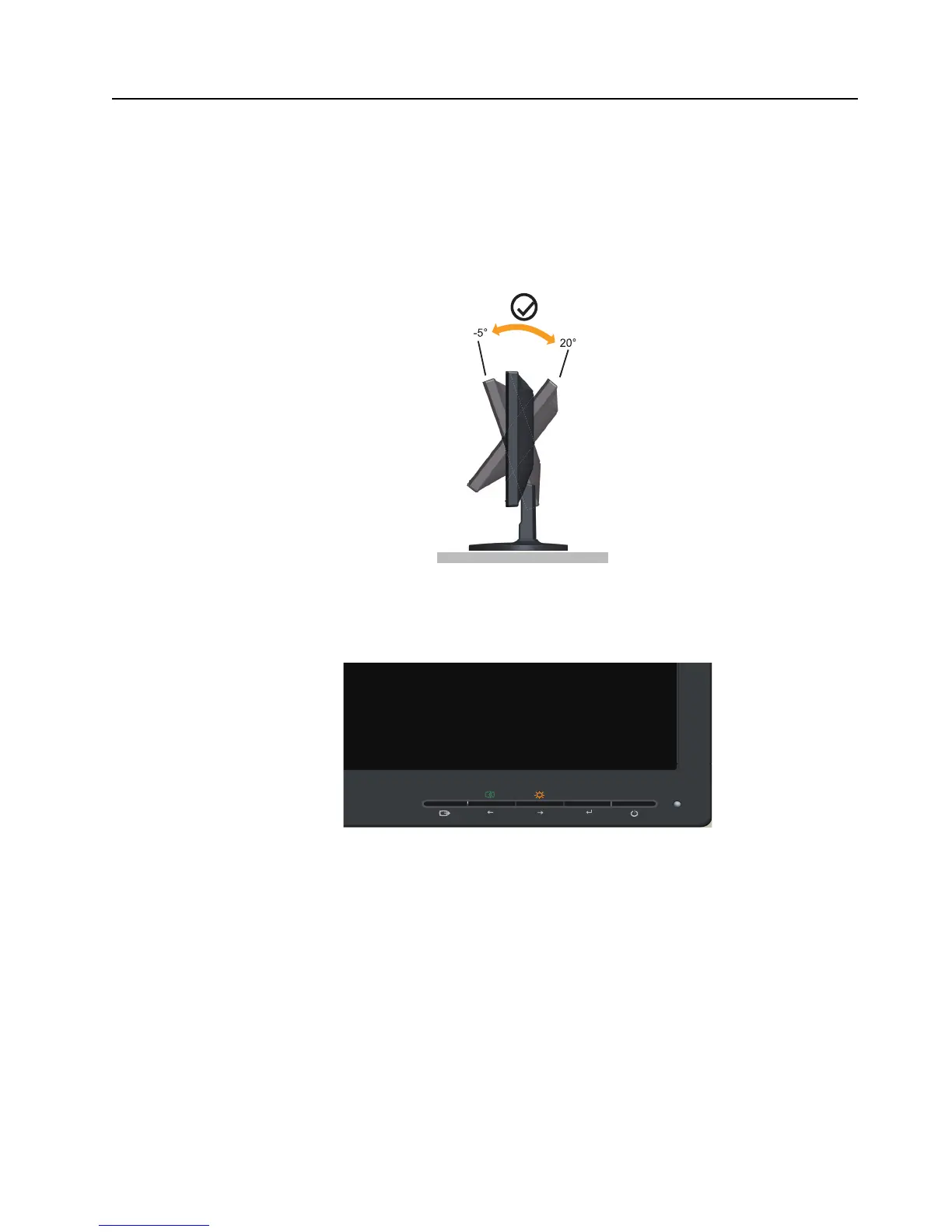
Adjusting the tilt
The illustration below shows the tile and swivel range of the monitor. For more information,
see "Positioning your monitor"on page 2-1.
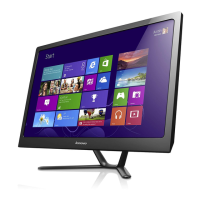
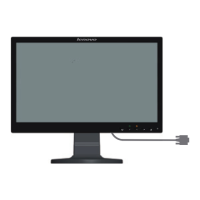
Monitor controls
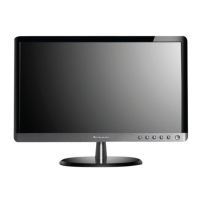
Your monitor has controls on the front which are used to adjust the display.
For information on how to use these controls, please see "Adjusting your monitor image"on
page 2-3.


 To Next Page