To Next Page
B
Benjamin AllenAug 5, 2025
What to do if my Lenovo LI2223s says 'Out of Range'?
- JJaime MartinezAug 5, 2025
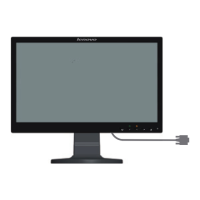
If your Lenovo Monitor displays an "Out of Range" message and the power indicator is flashing white, it means the system's display mode is not supported by the monitor. To resolve this: If you replaced an old monitor, reconnect the old one and adjust the display mode to be within the supported range of your new Lenovo Monitor. If you're using Windows, restart in safe mode and select a supported display mode. If the issue persists, contact the Support Center.
 General