Chapter 2. 2-10
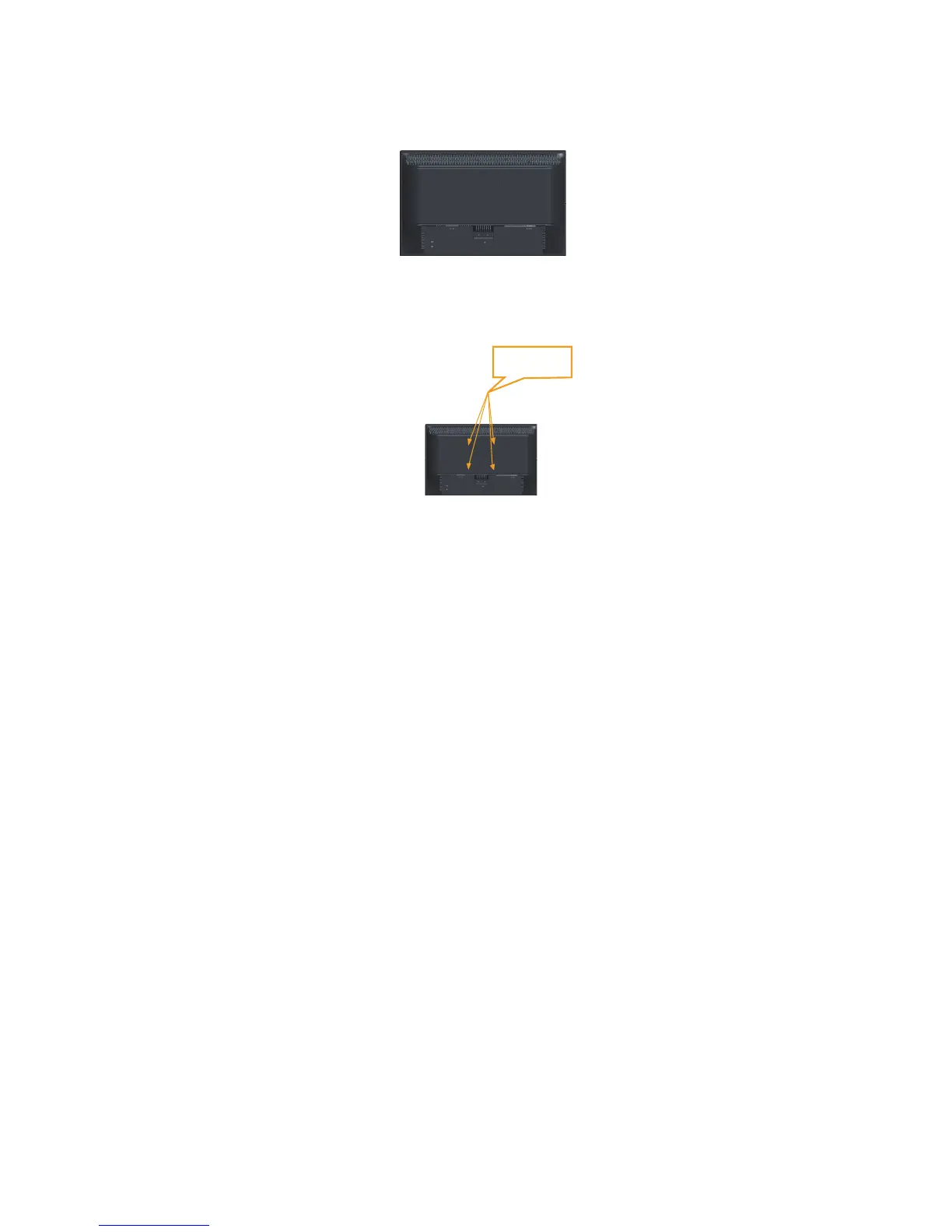
Step 3: Remove the base from the monitor, refer to "Detaching the monitor base and
stand".
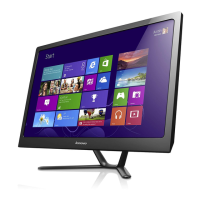
Step 4: Attach the mounting bracket from the VESA compatible wall mounting kit
(100mm x100mm distance), VESA Mounting Screw M4 x 10 mm.
Step 5: Attach the LCD display to the wall, following the instructions in the wall-
mounting kit.
For use only with UL Listed Wall Mount Bracket with minimum weight/load: 8kg
VESA hole


 To Next Page