Chapter 2. Starting to use Windows 8.1
17
The charms - - - - - - - - - - - - - - - - - - - - - - - - - - - - - - - - - - - - - - - - - - - - - - - - - - - - - - - - - - - - - - - - - - - - - - - - - - - - - - - - - - - - - - - - - - - -
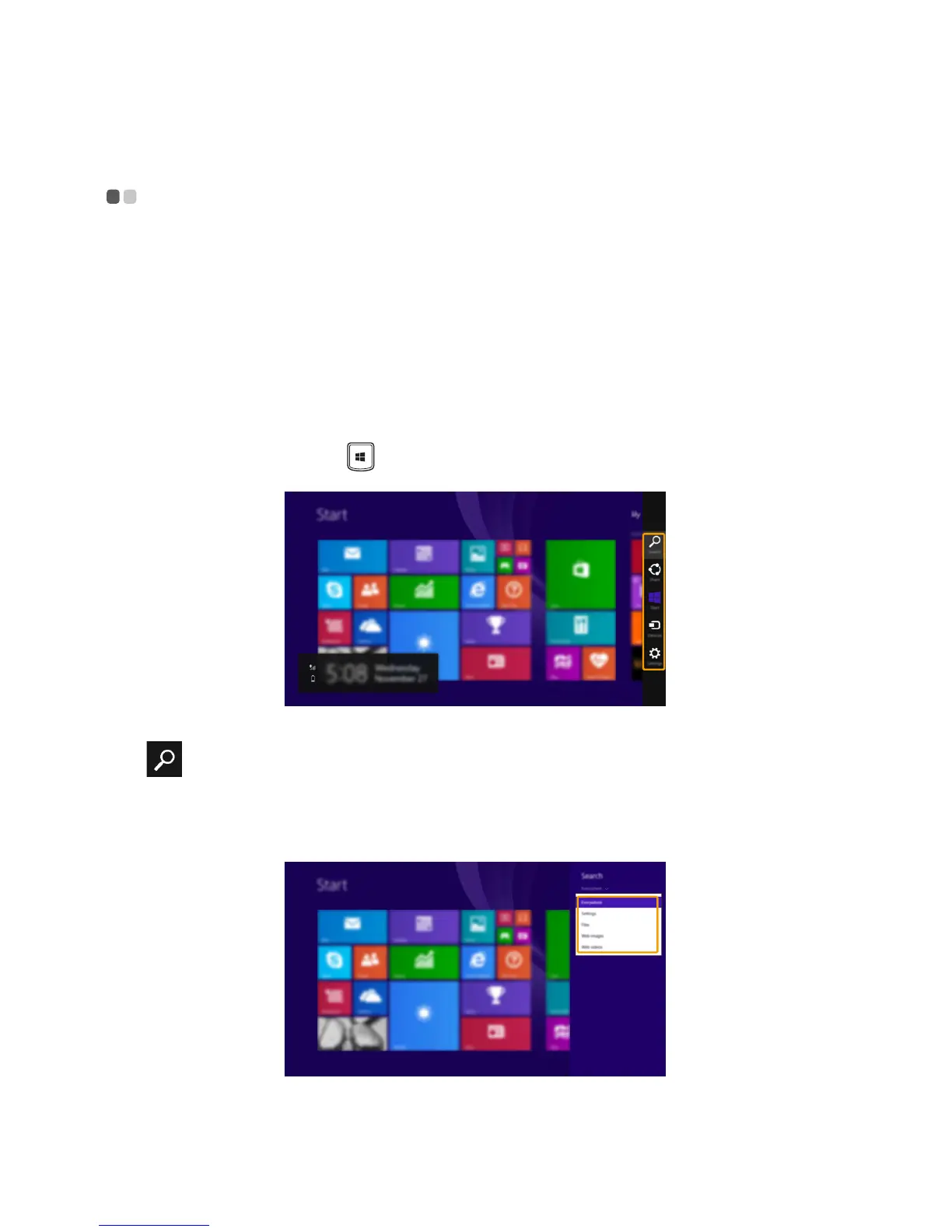
Charms are navigation buttons that let you control your Windows
®
8.1
experience. Charms include: Search, Share, Start, Devices, and Settings.
The Charms Bar is the menu that contains the charms.
The five charms provide new and faster ways to perform many basic tasks,
and are always available regardless of whichever app you are currently in.
To display the charms, do one of the following:
•Move the cursor to
the upper-right or lower-right corner until the charms
bar is displayed.
•Press Windows key + C.
Search charm
The Search charm is a powerful new way to find what you are looking for,
including settings, files, Web images, Web videos, etc.


 To Next Page