•“Harddisksecurity”onpage64
•“Supervisorpassword”onpage63
Passwordsandsleep(standby)mode
Ifyouhavesetpasswordsandyouputyourcomputerintosleep(standby)mode,theprocedureforresuming
operationisasfollows:
•Youarenotpromptedtotypethepasswordwhenresumingoperation.
•Ifanyharddiskdrivehasaharddiskpassword,itisunlockedautomaticallywhenyouresumeoperation.
Note:IfaWindowspasswordhasbeenset,youwillbepromptedtoenterit.
Typingpasswords
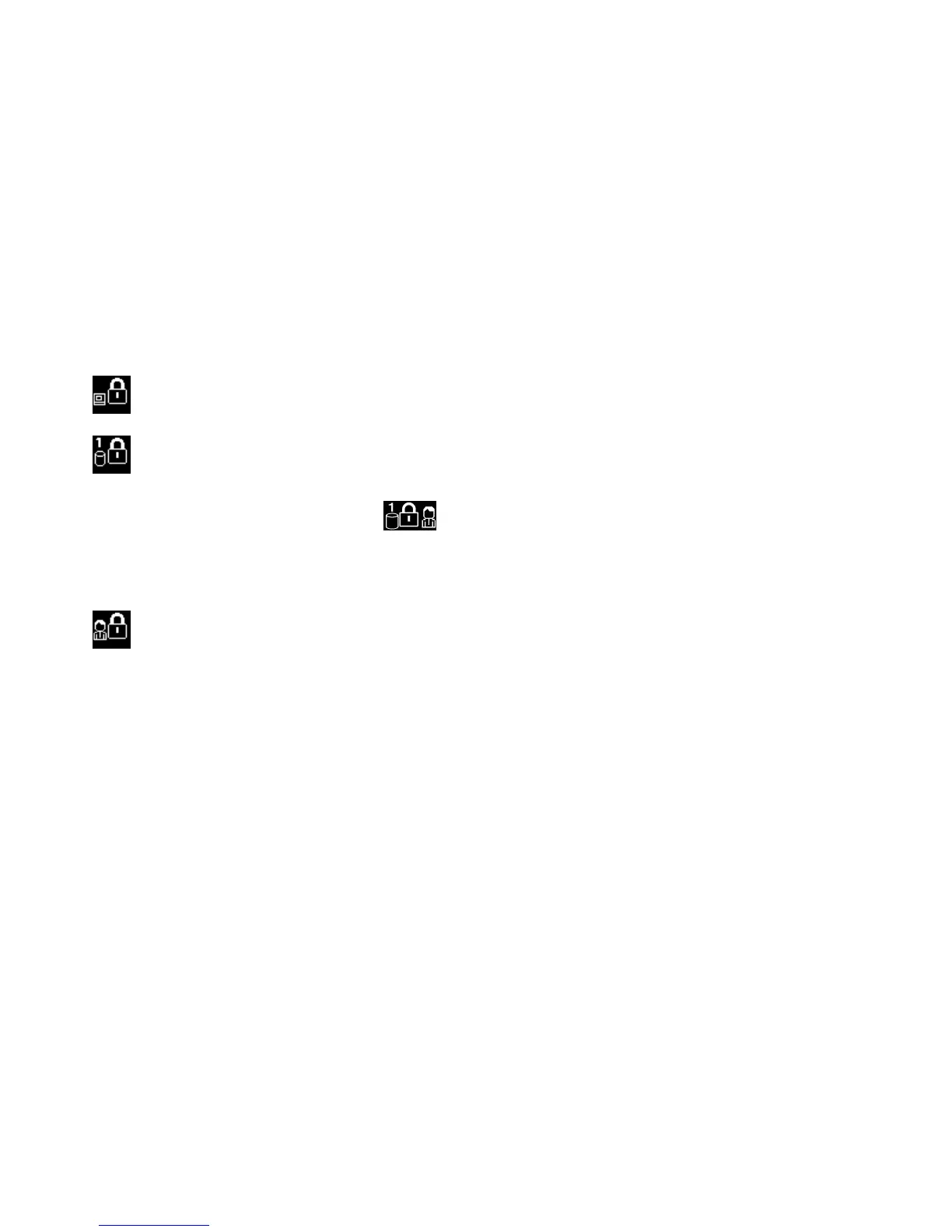
Ifthisiconappears,typeapower-onpasswordorasupervisorpassword.
Ifthisiconappears,typeauserharddiskpassword.Ifyouwanttotypeamasterharddiskpassword,
dothefollowing:
1.PressF1.Theiconchangestothis:
2.Nowtypethemasterharddiskpassword.
Note:Toreturntothersticon,pressF1again.
Ifthisiconappears,typeasupervisorpassword.
Note:YoucanpressBackspaceifyoupressawrongkeywhileyouaretypingyourpassword.
Power-onpassword
Youcansetapower-onpasswordtohelpprotectyourcomputeragainstaccessbyunauthorizedusers.
Ifyousetapower-onpassword,thepasswordpromptappearsonthescreenwheneveryouturnonthe
computer.Youmustenterthecorrectpasswordtostartusingthecomputer.
Settingapower-onpassword
1.Printtheseinstructions.
2.Saveallopenles,andexitallapplications.
3.Turnyourcomputeroffandthenturnitonagain.
4.Whenthelogoscreenisdisplayed,pressF1.TheThinkPadSetupwindowopens.
5.SelectSecurity,usingthecursordirectionalkeystomovedownthemenu.
6.SelectPassword.
7.SelectPower-onPassword.
8.Chooseyourpower-onpassword,andtypeitwithinthebracketsintheEnterNewPasswordeld.
Note:Youcansettheminimumlengthofapower-onpasswordontheThinkPadSetupmenu.For
details,referto“Securitymenu”onpage114
.
9.PressEnteroncetomovetothenextline.Retypethepasswordyoujustentered,toverifyit.
60UserGuide











 To Next Page