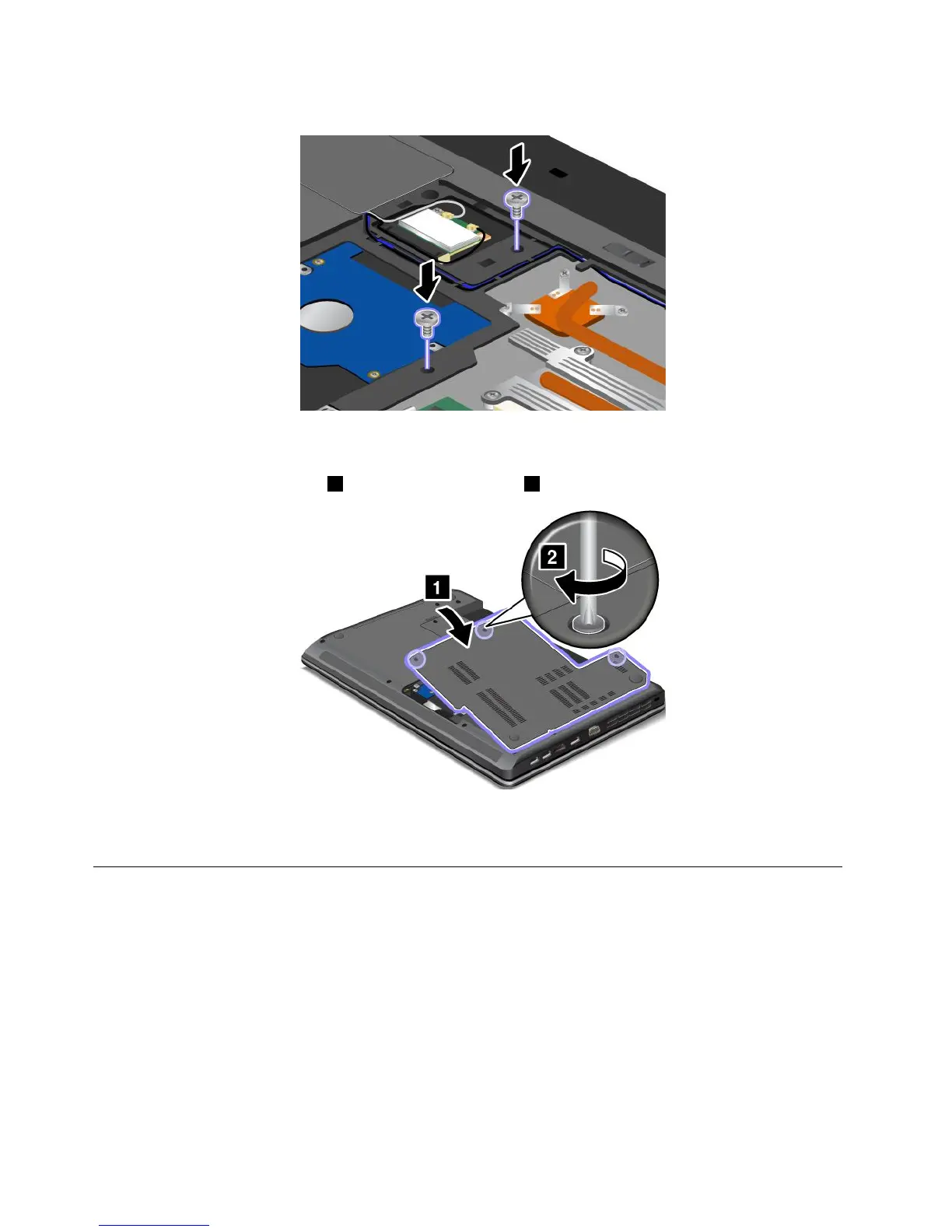
4.Reinstallthescrews.
Note:Thelocationofthescrewsthatsecurethekeyboardmightbedifferentfromtheillustrationabove.
Refertothewatermarksprintedonthecomputer.
5.Reinstallthecomputercover1.Thentightenthescrews2.
6.Reinstallthebattery.See“Replacingthebattery”onpage67.
7.Turnthecomputeroveragain.Connecttheacpoweradapterandallcables.
Replacingthebackupbattery
Beforeyoustart,printtheseinstructions.
92UserGuide










 To Next Page