EasyManua.ls Logo

Lenovo ThinkSystem DE2000H - Page 2

Lenovo ThinkSystem DE2000H
4 pages
Print Icon
To Next Page IconTo Next Page
To Previous Page IconTo Previous Page
Loading...
Install hardware | Stage 2

Unpack the contents and inventory the contained hardware against




Center Support Web site.
NOTE: Install hardware from the bottom of the rack up to the
top to prevent the equipment from toppling over.
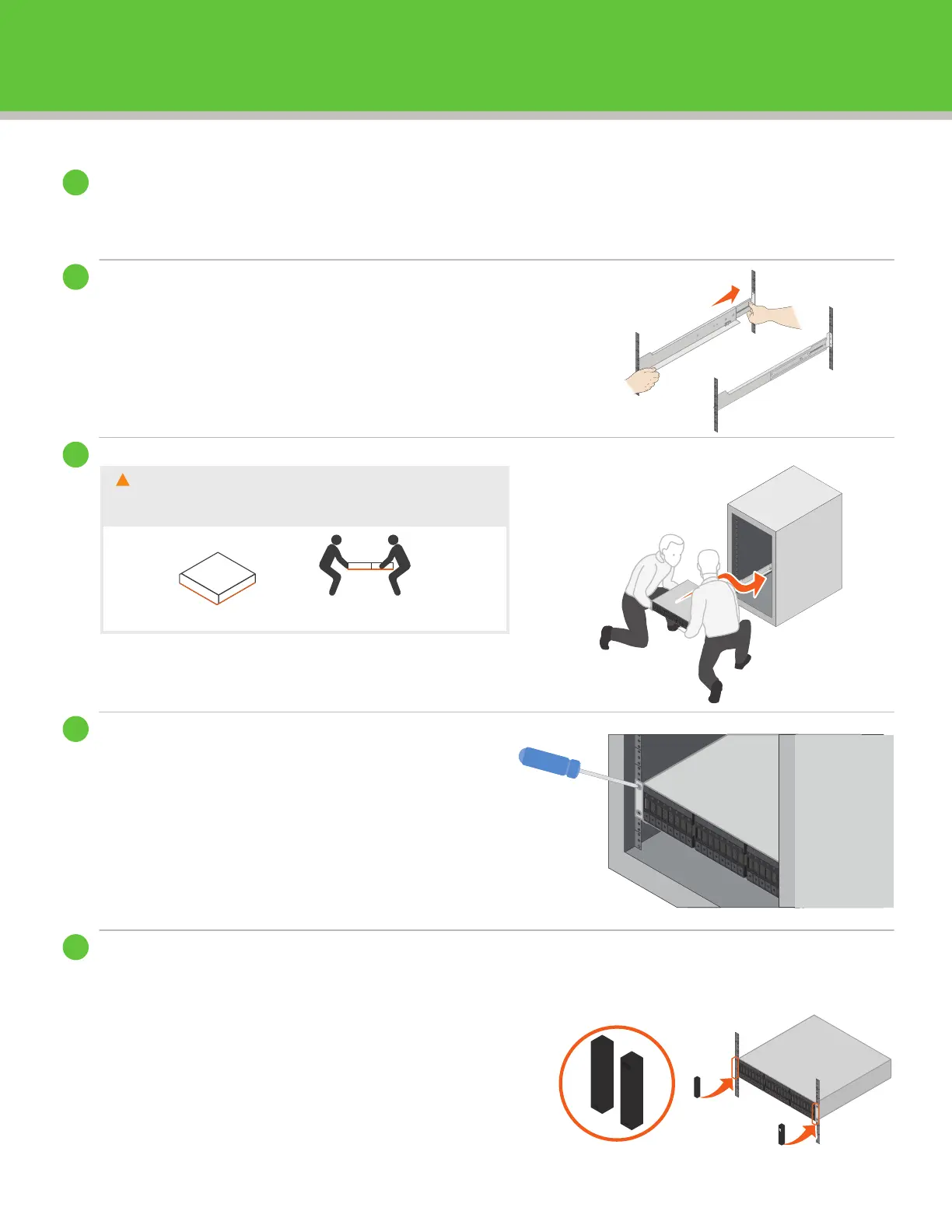
Install the Shelf
Secure the Shelf


2. Secure the shelf to the rack as directed in the

Install the End Caps




the holes in the end cap align with the fasteners on the left
side of the shelf.
2. Snap the end cap into place.

2
2
Person
Team Lift
CAUTION

mechanical lift are required to safely move the shelf.

Related product manuals