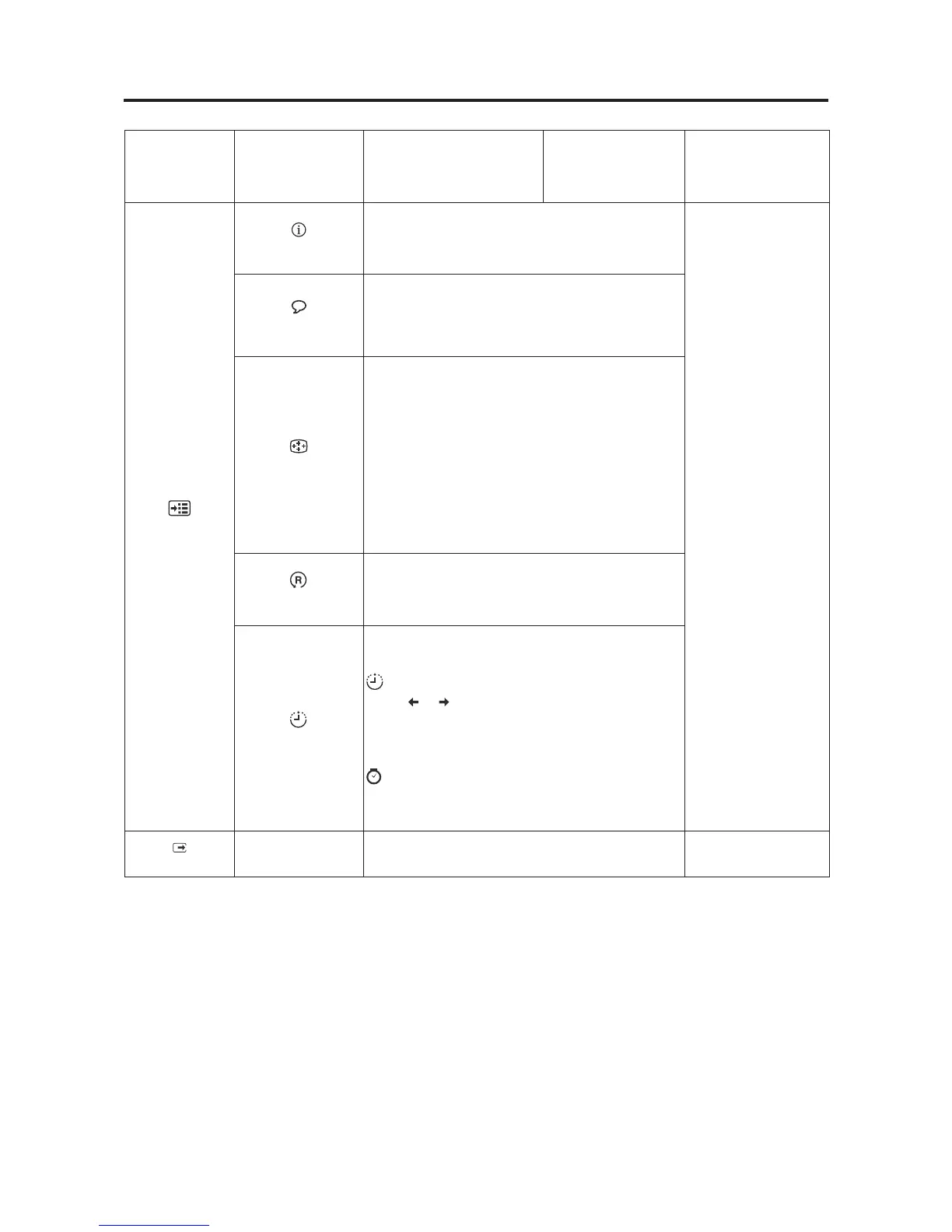
Table2-2.OSDfunctions
OSDIconon
MainMenu
Submenu Description
Controlsand
Adjustments
(Analog)
Controlsand
Adjustments(DVI)
Options
Information
Shows resolution, refresh rate, and product details.
Note: This screen does not allow any changes to
the settings.
Same as Analog
Changes languages of menu.
Note: The language chosen only affects the
language of the OSD. It has no effect on any
software running on the computer.
Adjusts menu location
Default
Default returns the menu position to the default
settings.
Custom
• Horizontal: Changes the horizontal position
of the OSD.
• Vertical: Changes the vertical position of the
OSD.
Save: save the custom position choices
Reset monitor to the original settings.
• Cancel
• Reset
Accessibility
Changes button repeat rate and menu time-out
setting.
Button repeat rate:
Select
or to change.
• Off
• Default
• Slow
Menu time out: Sets the length of time the
OSD will remain active after the last time a button
is pressed.
Exit
Exit from menu.
Chapter 2. 2-5
Menu Language
Menu Position
Factory default



 To Next Page