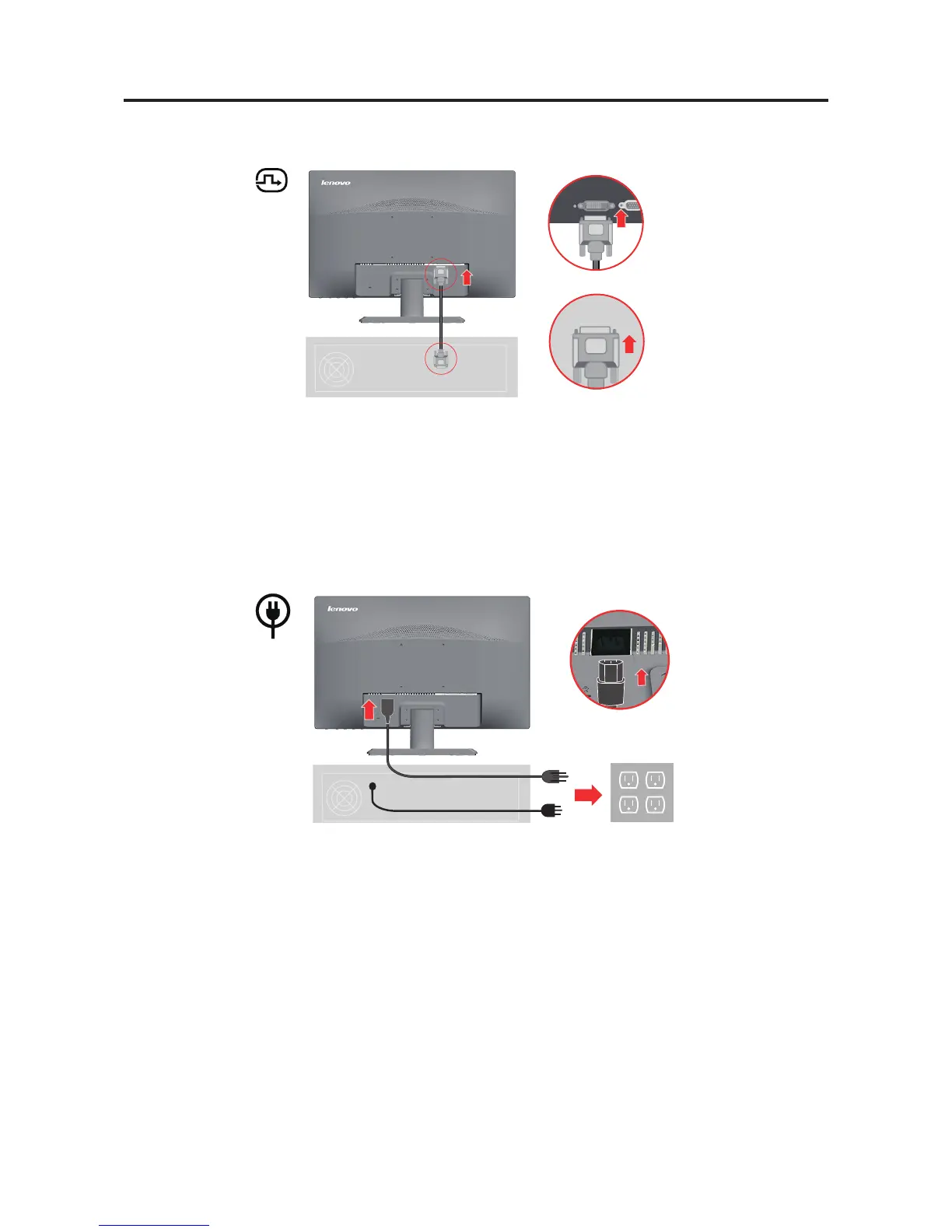
4. Connect the digital cable to the DVI connector of the monitor and the other end on the
back of the computer.
5. Insert the power cord into the monitor, then plug the monitor power cord and the
computer cord into grounded electrical outlets.
Note: A certied power supply cord has to be used with this equipment. The relevant
national installation and or equipment regulations shall be considered. A certied
power supply cord not lighter than ordinary polyvinyl chloride exible cord
according to IEC 60227 (designation H05VV-F 3G 0.75mm2 or H05VVH2-F2
3G0.75mm2) shall be used. Alternative a exible cord be of synthetic rubber
according to IEC 60245 (designation H05RR-F 3G 0.75mm2) shall be used.
Chapter 1. 1-4



 To Next Page