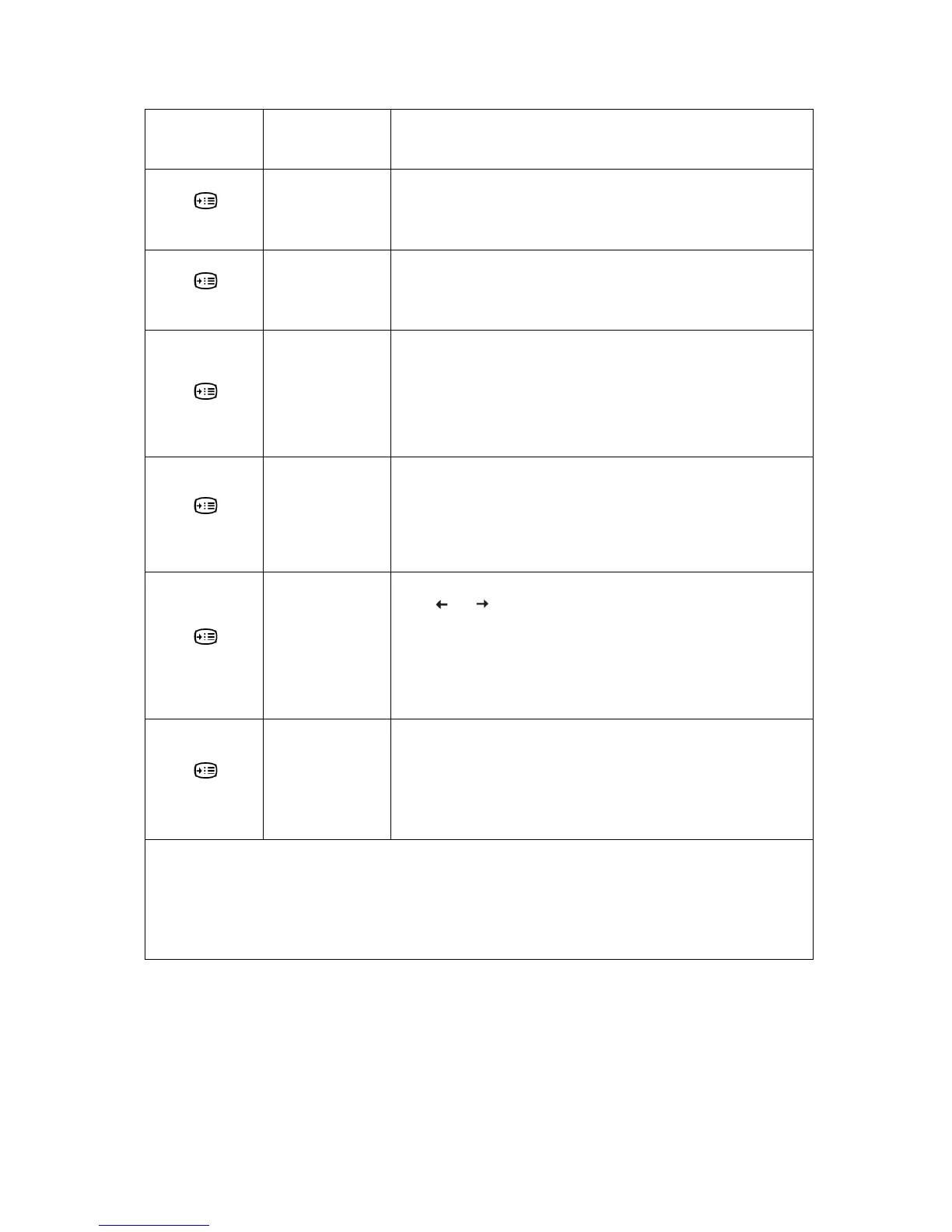
Table 2-2. OSD functions
OSD Icon on Main
Menu
Submenu
Description
Options
Information
Shows resolution, refresh rate, and product details.
Note: This screen does not allow any changes to the settings.
This section lists the languages supported by your monitor.
Options
Language
Note: The language chosen only affects the language of the OSD. It has
no effect on any software running on the computer.
Options
Menu Position
Default
Custom
Menu position adjusts menu location on the screen.
Returns the menu position to the default settings.
● Horizontal: Changes the horizontal position of the OSD
● Vertical: Changes the vertical position of the OSD.
Options
Factory Default
● Cancel
● Reset
Resets monitor to the original factory settings.
Controls button and menu settings for accessibility preferences.
Options
Accessibility
Button repeat rate:
Select
or to change.
● Off
● Default
● Slow
Menu time out: Sets the length of time the OSD will remain
the last time a button is pressed.
active after
Options
DP Select
Select DP1.1 or DP1.2:
● DP1.1
● DP1.2
Controls button and menu settings for DP transmit speed.
*Low Blue Light Mode is reducing the blue light content.
*T
he use of Extreme Mode (response time) may result in reduced display quality when fast moving video
graphics are displayed.
Users should check Extreme Mode (response time) to verify if it is compatible with any applications they would
like to use it with.
Chapter 2. Adjusting and Using your monitor 2-6






 To Next Page