Notice for use
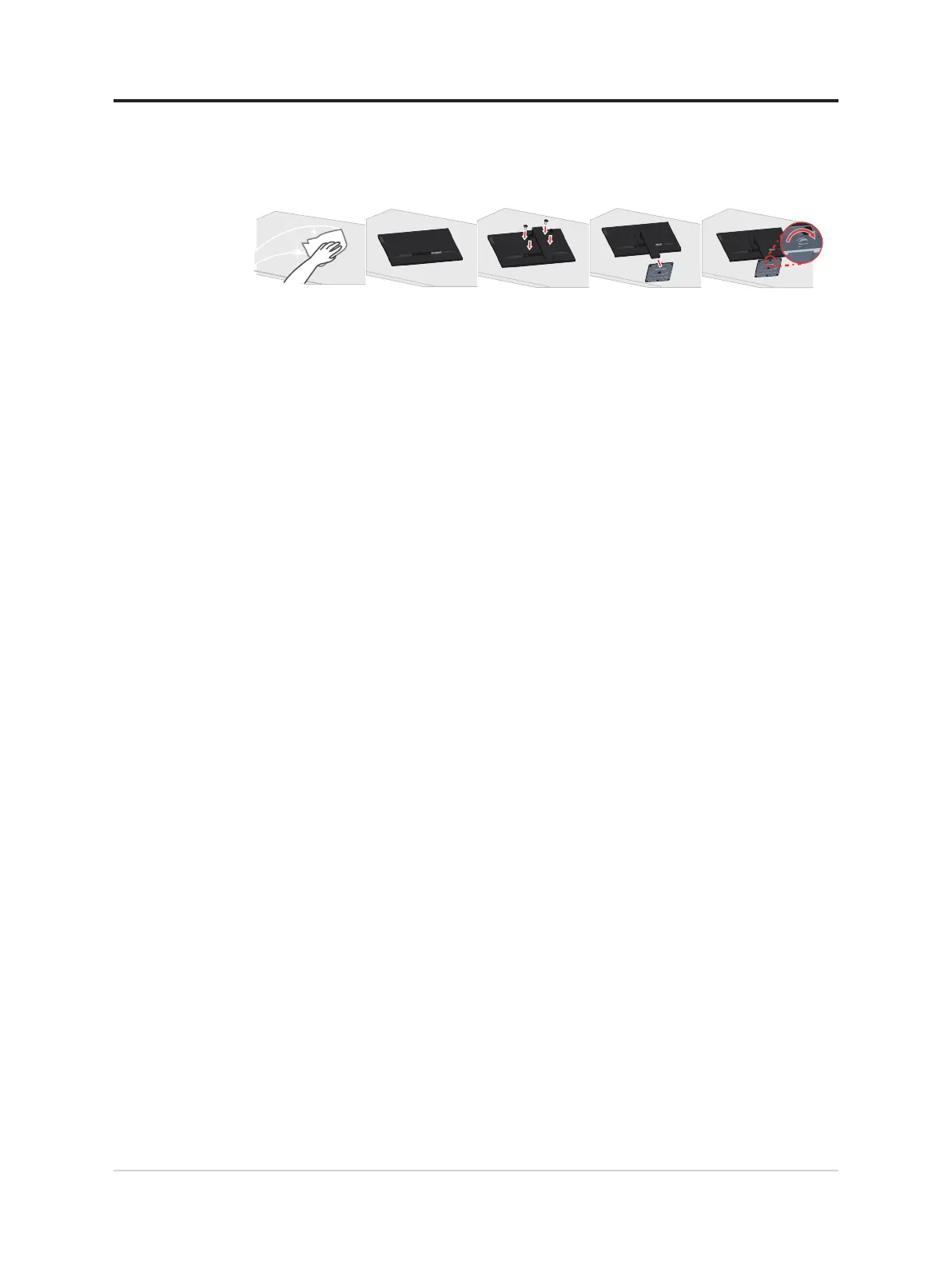
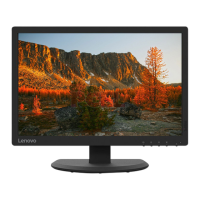
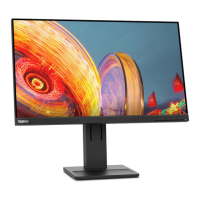
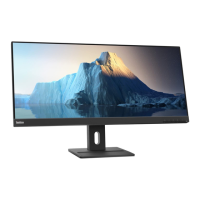
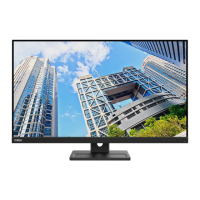
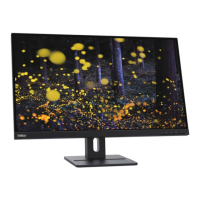
To set up your monitor, please see the illustrations below.
Note: Do not touch the monitor within the screen area. The screen area is glass and can be
damaged by rough handling or excessive pressure.
1. Place your monitor with the screen face down on a soft at surface.
2. Align the stand assembly bracket to the monitor.
3. Insert the base towards monitor until it locks in place.
Note: To install a VESA mount, please see “Wall Mounting (Optional)”on page 2-4.
Chapter 1.Getting started 1-2






 To Next Page