Chapter 1. Getting to know your computer
3
Using the keyboard
Function key combinations
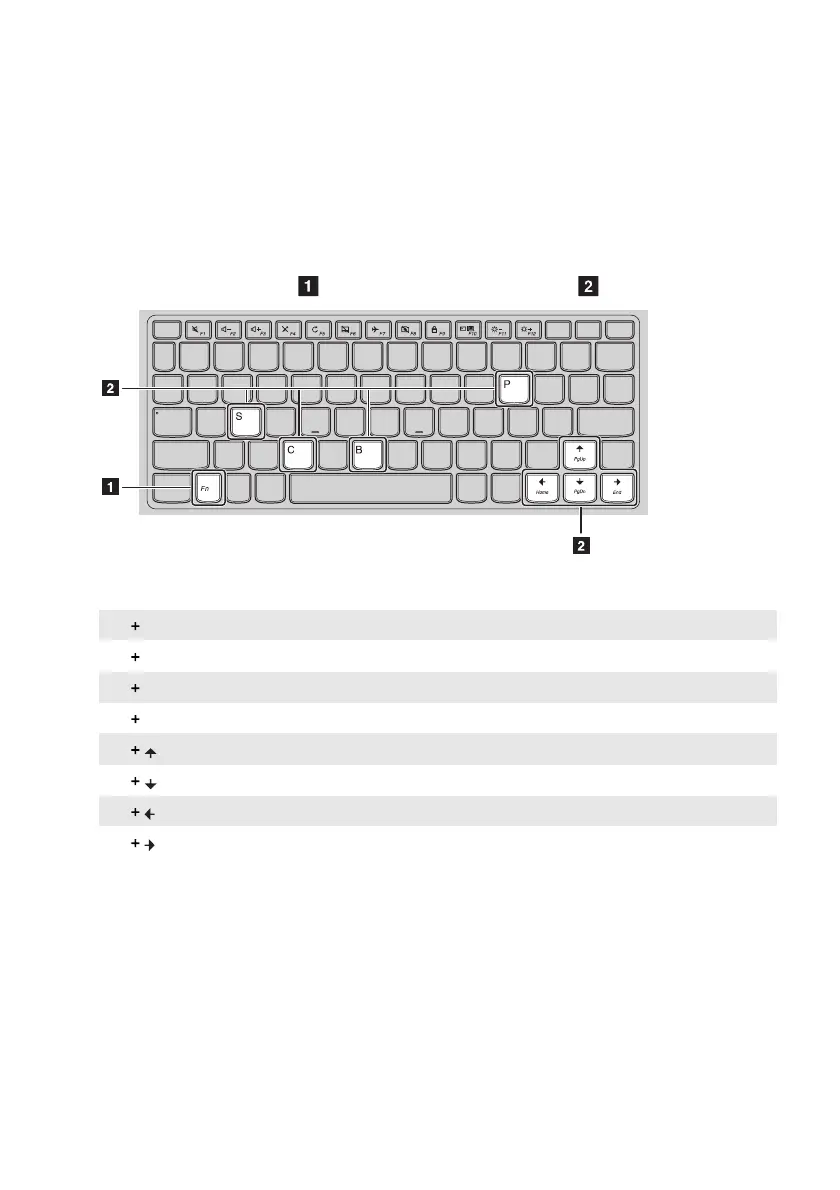
Through the use of the function keys, you can change operational features instantly. To use this
function, press and hold Fn
; t
hen press one of the function keys
.
The following describes the features of each function key.
Fn B: Activates the break function.
Fn P: Activates the pause function.
Fn C: Enables/disables the scroll lock.
Fn S: Activates the system request.
Fn : Activates the Pgup key function.
Fn : Activates the Pgdn key function.
Fn : Activates the home key function.
Fn
: Activates the end key function.












 To Next Page