4 Information LH100 V3
1.1 Method for describing commands within this
manual:
This manual is written with the assumption that the LH100 is
configured for the English language display. You can configure
the LH100 for either English or German display. See section
14.2.2 for a description on how to configure the language of your
LH100 display.
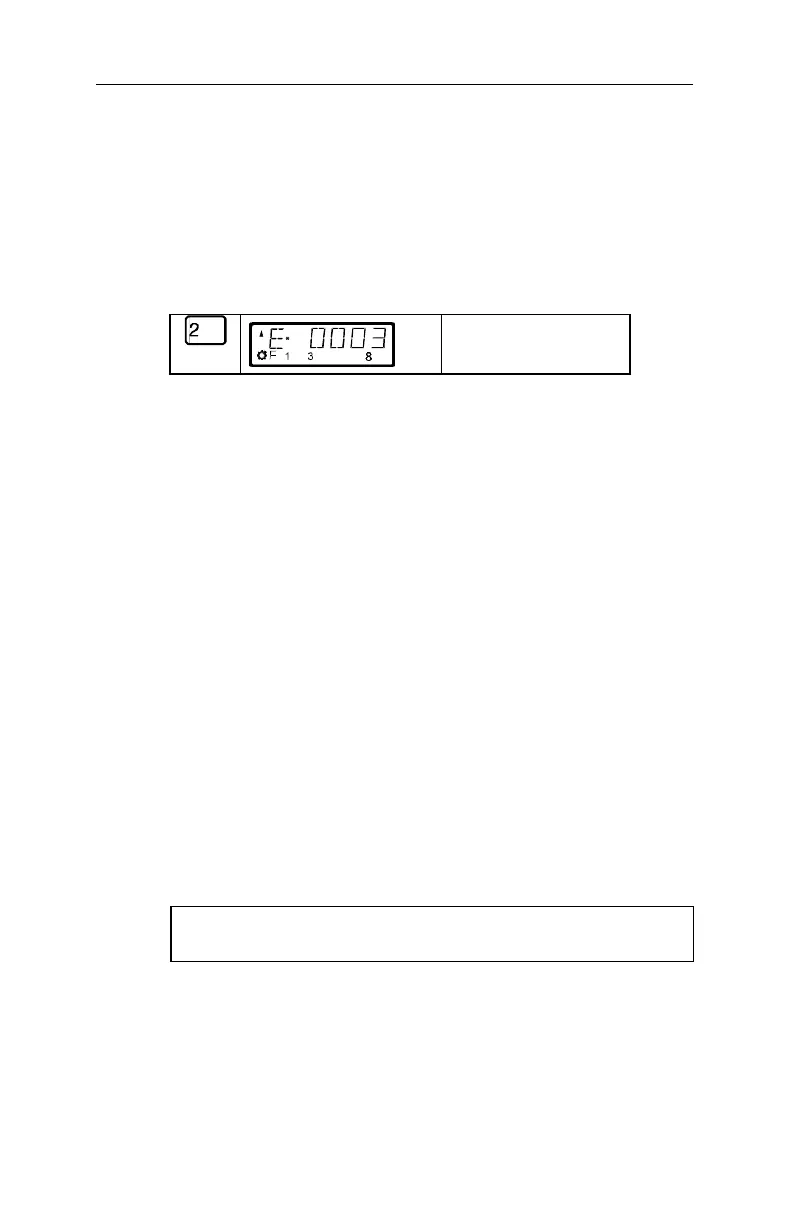
Showing step-by-step directions:
explanatory text
The entries that you must make using the LH100 keys are
shown on the left. In the middle you will see what is shown
on the display after the keystroke. To the right a brief
explanation is provided.
All the described steps assume that the hand held
controller is connected to a Version 3.0
Digital plus by Lenz
®
system, and that this system is
turned on.
Showing displays and keys in text:
"E 0001" 'Enter'
In most cases the display of LH100 is showed as a
picture, as are the keys. If the main text makes reference
to displays, then it is put in double quotes. Keys referred
to in the text are shown with single quotes.
Cross references:
(ðp. 23)
This arrow points you to a particular page in this operation
manual, where you will find additional information about
the subject at hand.
Important notes:
FF Text marked with this symbol and frame contains
especially important information and tips.



 To Next Page