48 Information SET-02
15.4.2 The luminous diode
The luminous diode at the front of the LV200 provides information on
the operating situation:
green,
constant:
Everything is ok, there is operating voltage and the DCC signal is being
sent to the track.
green,
flashing:
The LV200 is not receiving a digital signal via the terminals C, D. There
is operating voltage, and the voltage on the tracks is switched off.
Causes:
- The system was brought to Emergency STOP (e.g. by switching
it off at the manual control)
- The cable connection C,D between LV200 and the command
station has been interrupted
- When using an LH200 as a command station, the plug has been
pulled out of the I/O-Port socket.
- The system is in programming mode (in such cases the command
station LZ100 switches off the track signal).
red: Fault due to:
- Overload, overheating (the maximum starting voltage has been
exceeded)
- Overvoltage (the permitted maximum input voltage has been
exceeded)
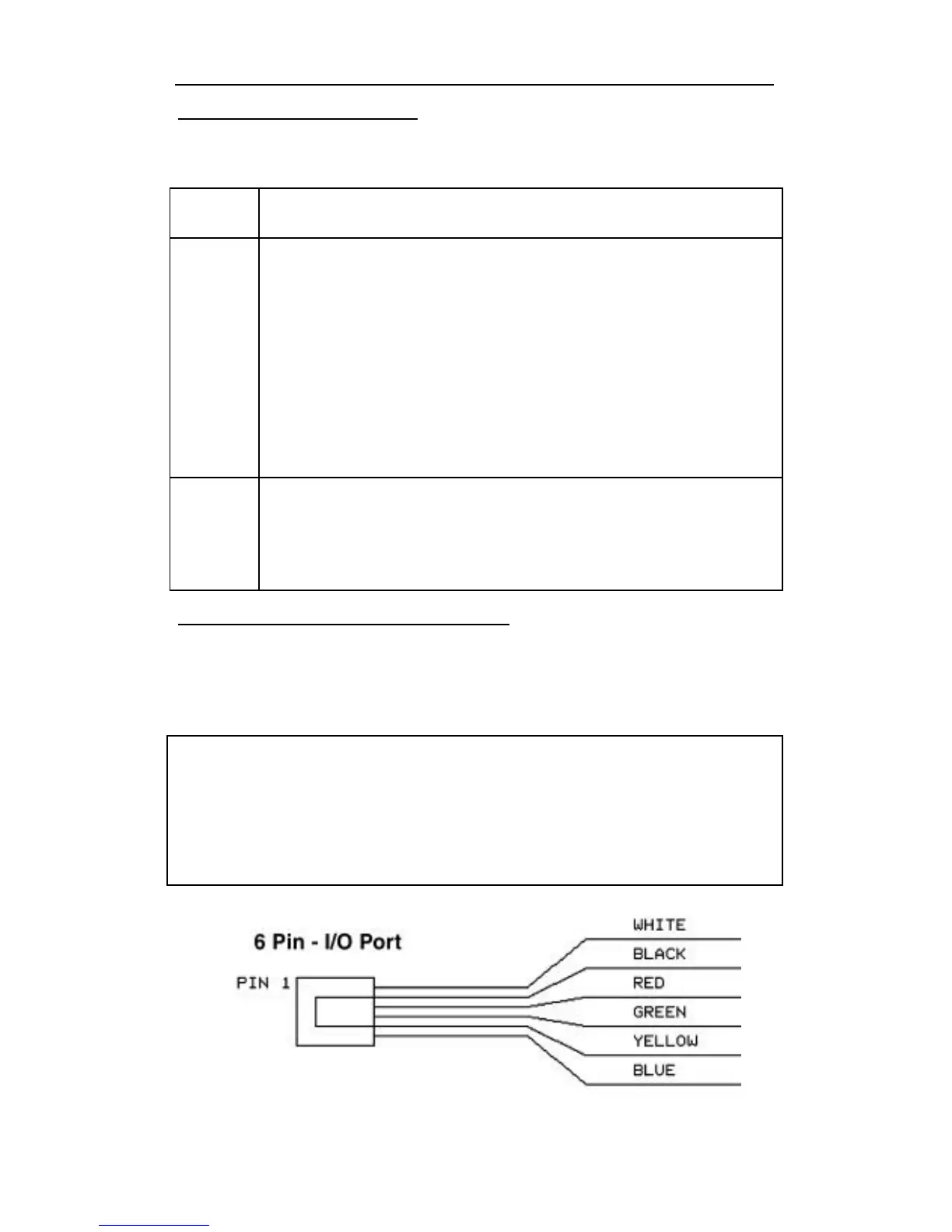
15.4.3 Details of the six-pin I/O - port
The new six-pin phone type jack located on the rear of the LV101 is
provided for use with the LH200 when used as a command station.
The wire connections for this I/O port are shown in below.
CAUTION:
DO not plug in another manufacturers 6 pin wire into this jack
as each manufacturer defines the use of these wires
differently. Plugging in a different manufacturers equipment
into the IO port could destroy one or both pieces of equipment
and this is not covered by our warranty.
Wire connections for the LV200 6 pin -I/O port



 To Next Page