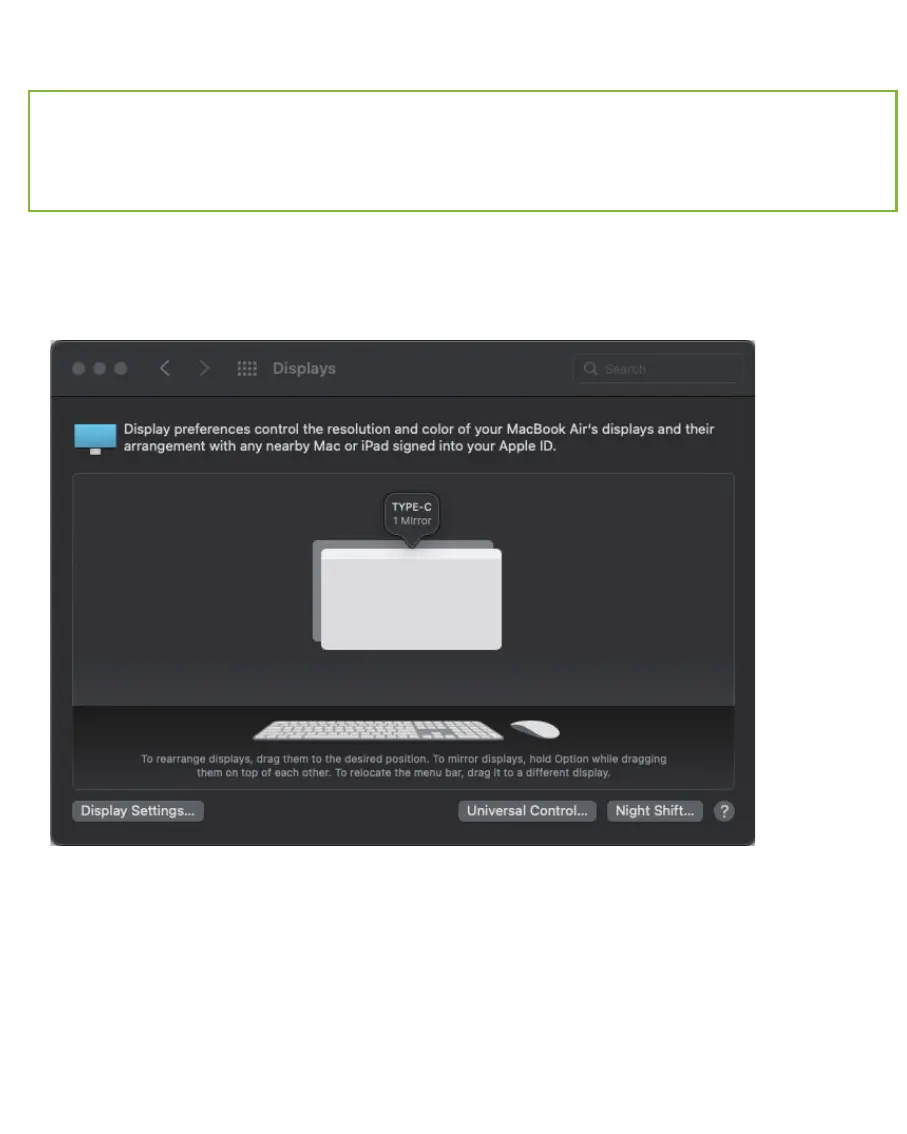
(1). Enter the System Preferences and click Displays.
If it is Mirror display by default, you can go to step 2 to extend your display.
Note: Mac OS only supports one extended display, for dual or more extended
displays, it needs to use the Magnet software to implement the dual extended
displays.
Mac Multiple Display Setup
10



 To Next Page