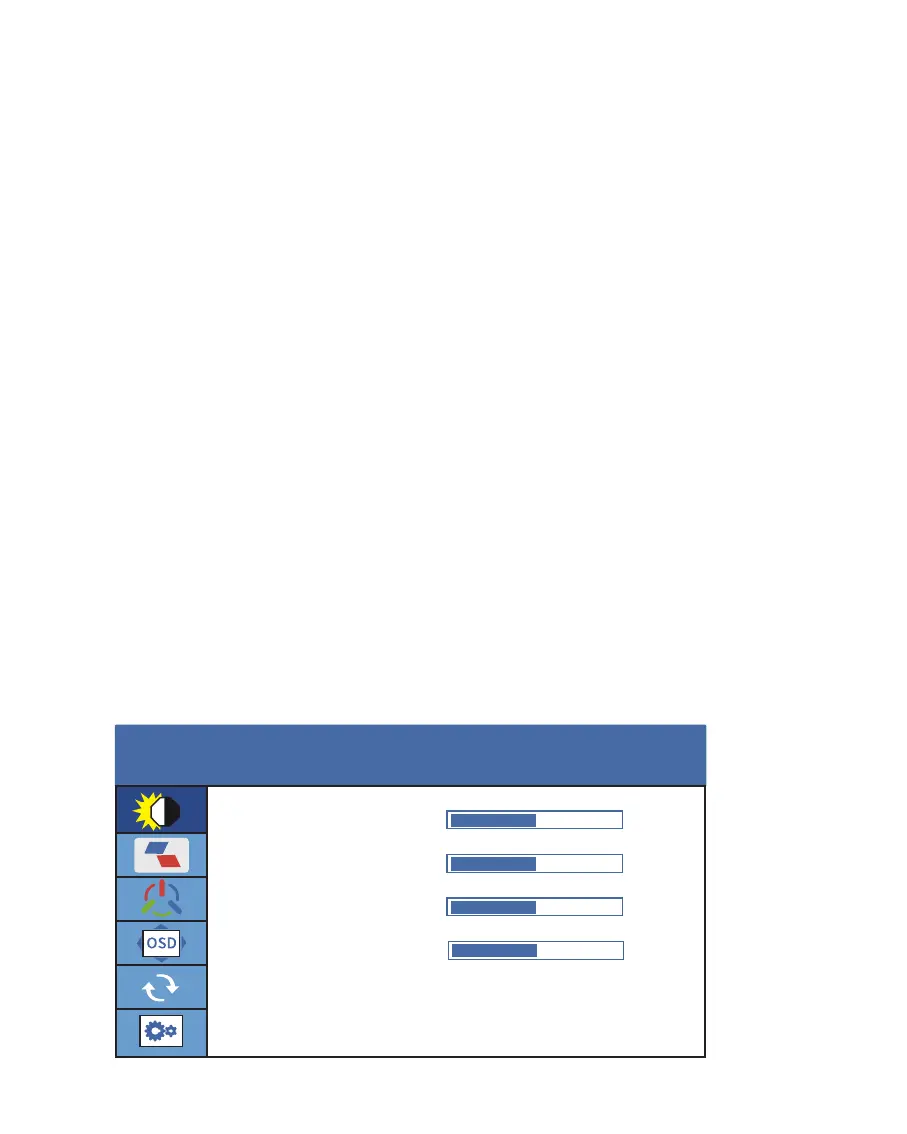
Parameter Settings
Brightness Settings
There is only one parameter setting for dual monitors of DualViews.
Configure the display parameters according to the following instructions.
1. Press the Menu Key to activate the OSD menu.
2. Turn the +/- Key to switch menus.
3. Press the Menu Key to confirm.
4. Turn the +/- Key to adjust the value.
5. Long Press Menu Key (more than 1 second) to return to the previous page
or make the setting menu disappear.
Brightness: The adjusting range is from 0 to 100.
Contrast: The adjusting range is from 0 to 100.
Black Level: The adjusting range is from 0 to 100.
Sharpness: The adjusting range is from 0~4.
BRIGHTNESS
BRIGHTNESS
50
50
50
2
CONTRAST
BLACK LEVEL
SHARPNESS
12



 To Next Page