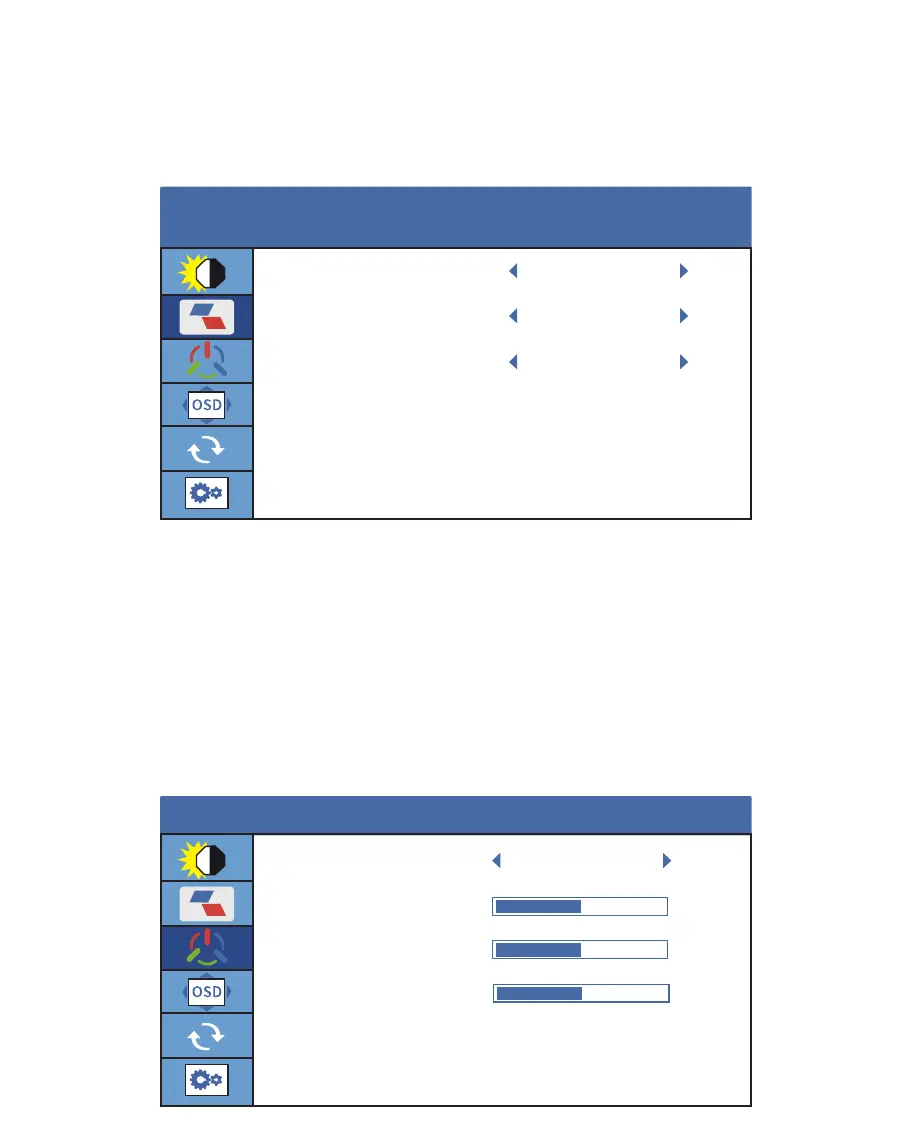
Image Settings
Color Temp Settings
ECO: Contains Six modes (Standard/ Game/ Movie/ Text/ FPS/ RTS Modes).
DCR: Select ON or OFF to enable or disable dynamic contrast ratio function.
Aspect: Adjusts the aspect ratio to WIDE or 4:3.
Color Temp:
Contains three preset color modes including User, Cool and Warm
mode. In the user mode, the RGB value, can be adjusted.
Red: The adjusting range is from 0 to 100.
Green: The adjusting range is from 0 to 100.
Blue: The adjusting range is from 0 to 100.
COLOR TEMP
BRIGHTNESS
50
50
50
RED
GREEN
BLUE
USER
ECO
STANDARD
OFF
WIDE
IMAGE
DCR
ASPECT
13



 To Next Page