16
Preset Menu: LP612 ONLY
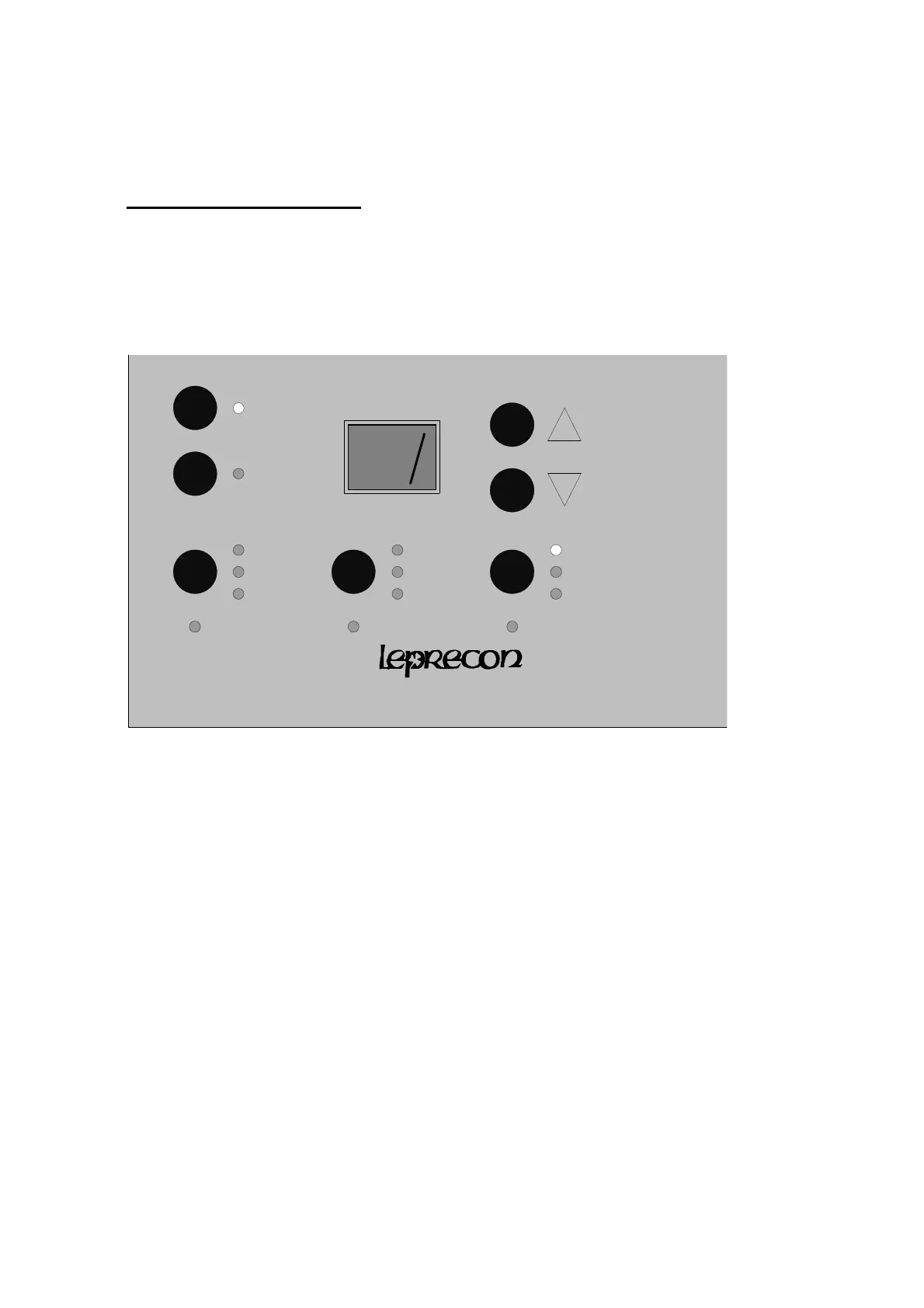
The Preset functions are controlled by pressing the 'preset' menu key on the front panel. When in
the Preset mode, this button switches between three items:
page Page Number
preview Preview and Edit
bump Bump Button control
612
Page Number
When the 'page' LED is lighted, the display up and down keys cycle through the pages:
"--" Manual mode, preset on LED off
" 1" Page 1, preset on LED on
" 2" Page 2, preset on LED on
" 3" Page 3, preset on LED on
" 4" Page 4, preset on LED on
In the Manual mode ( page "--") the LP612 operates as a two scene console. If the page number
is set to 1 or higher, the Y scene faders act as memory presets. Each page represents an entire
set of presets; the LP612 can store 48 preset memories organized as four pages of 12 memories.


 To Next Page