17
Preset Menu: LP624 ONLY
The Preset functions are controlled by pressing the 'preset' menu key on the front panel. When in
the Preset mode, this button switches between four items:
page Page Number
preview Preview and Edit
bump Bump Button control
patch Dimmer assignment
page
624
patch
When the 'page' LED is lighted, the display up and down keys cycle through the pages:
"--" Manual mode, preset on LED off
" 1" Page 1, preset on LED on
" 2" Page 2, preset on LED on
" 3" Page 3, preset on LED on
" 4" Page 4, preset on LED on
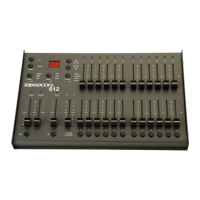
In the Manual mode ( page "--") the LP624 operates as a two scene console. If the page number
is set to 1 or higher, the Y scene faders act as memory presets. Each page represents an entire
set of presets; the LP624 can store 96 preset memories organized as four pages of 24 memories.


 To Next Page