24
Assigning Fade Times
All cues in the Stack can be assigned a fade time. The time setting reflects the total time to finish
a complete crossfade from Now to Next. The fade time is associated with the 'next' cue. Timed
fades are started by pressing the 'go' button.
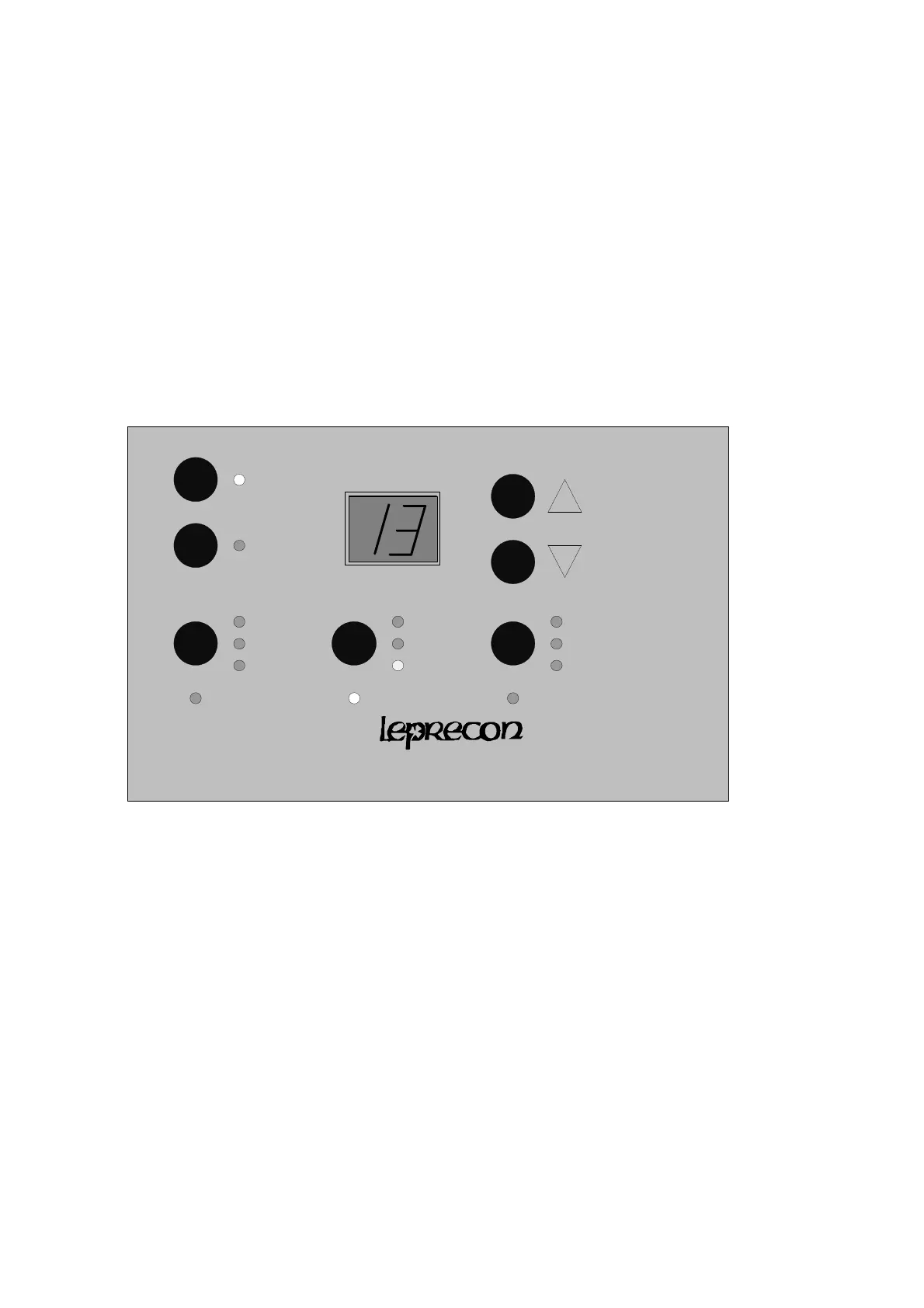
To enter fade times, press the 'stack' menu button below the display until the ‘next’ LED is lighted.
Use the ‘up’ and ‘down” keys to select the correct scene number. Press the ‘stack’ key again to
light the ‘time’ LED. Use the ‘up’ and ‘down’ keys to set the fade time. Note that times are
displayed in tenths of seconds from 0.0 to 9.9 seconds The display then shows increments of 1
second from 10 to 59 seconds.
612


 To Next Page