Summit Series ® 16 of 20 User’s Manual
12. FAULTS
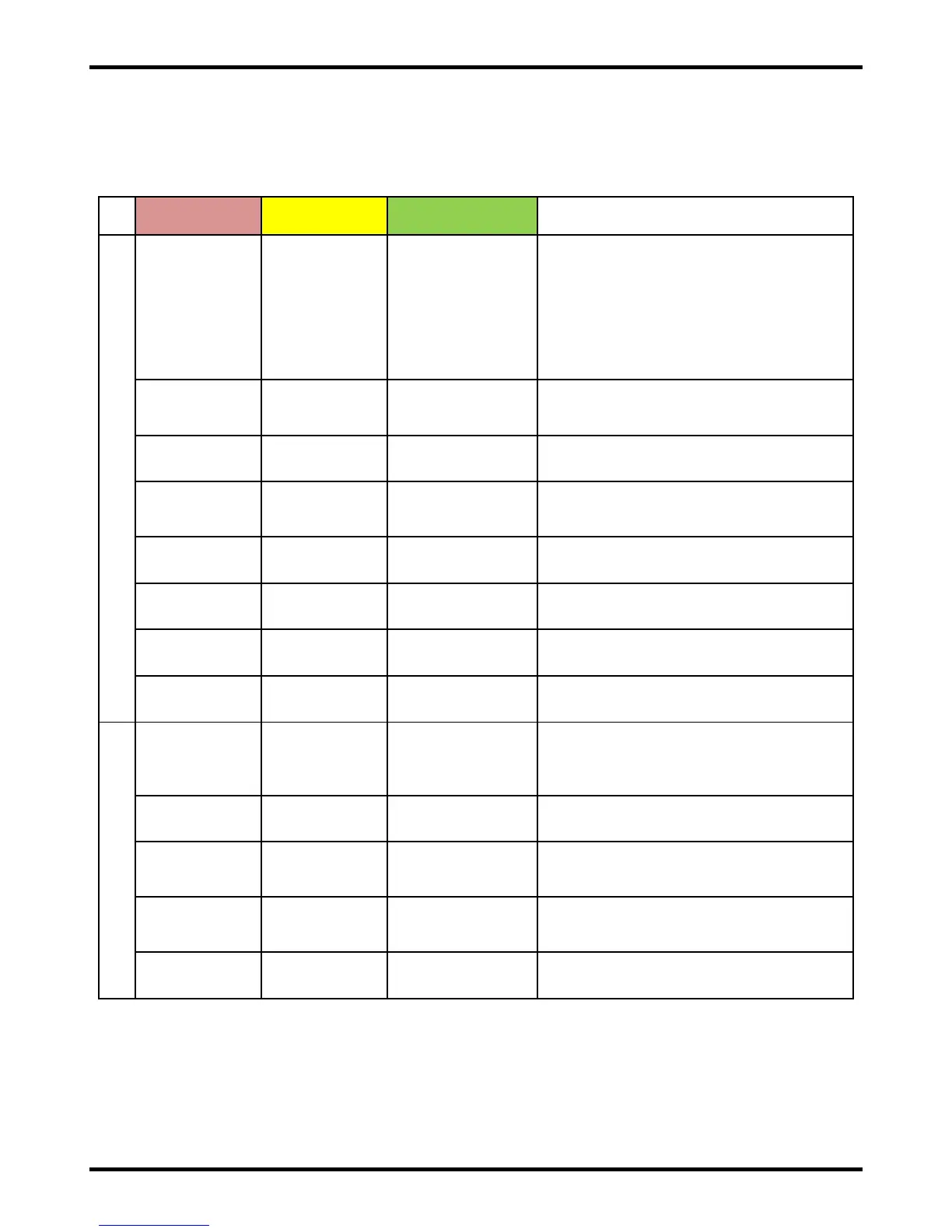
( 0 ) = Off
( 1 ) = On Solid
N/A = Not applicable, LED state does not matter
Charge Status
(Yellow) LED
Charge Complete
(Green) LED
DC DISCONNECT – DC disconnect
detected via the third-pin, but DC (battery)
voltage is still present at the charger
output. (Third-pin DC disconnect sensing
is an optional feature available with
supported DC plug/receptacle systems to
minimize charger output inhibit time when
a DC disconnect occurs during charging.)
OVER TEMP – Maximum temperature
was met. Charge cycle will restart when
the temperature decreases.
LOW DC – DC (battery) voltage is too low
to start charging (< 10V).
NO AC – AC power was lost during
charging. Charge cycle will restart when
AC power returns.
HARDWARE FAULT – Contact Lester
Electrical.
HARDWARE FAULT – Contact Lester
Electrical.
HARDWARE FAULT – Contact Lester
Electrical.
HARDWARE FAULT – Contact Lester
Electrical. Unit is still able to charge.
PHASE – A fault condition (most
commonly maximum time) was met during
a particular charge cycle phase (start/bulk,
plateau/absorption, finish, etc).
MAX VOLTAGE – Maximum voltage was
met.
MIN VOLTAGE – Minimum voltage was
NOT met after a specified time from the
start of the charge cycle.
MAX AMP-HOURS – Maximum amp-
hours for the overall charge cycle was
met.
MAX TIME – Maximum time for the overall
charge cycle was met.
Figure 12-1: Charger LED States (Faults)
Disconnecting the charger from the battery always clears a fault. If the charger was factory-configured for
on-board use, removing AC power from the charger also clears a fault. If a fault cannot be cleared after
taking appropriate corrective action, contact your dealer for troubleshooting and/or service.


 To Next Page