6. Volume up/down, next/last song
● Short press "+" button to increase the volume;
long press "+" button for 2 seconds to skip to
the next song.
● Short press "-" button to decrease the volume;
long press "-" button for 2 seconds to skip to
the last song.
7. Play/pause playing songs
Short press the MFB button to pause and short
press the MFB button again to resume playing
songs.
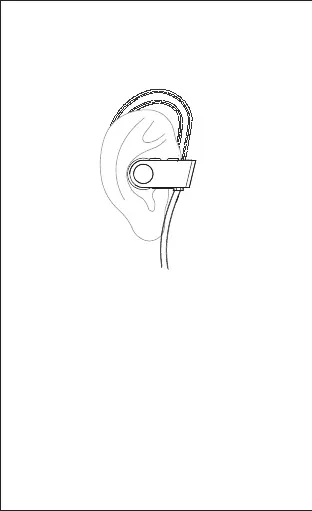
5. Wear the headphones
Gently push the eartip into your ear and adjust the
ear hook until you feel comfortable with it.
-8-


 To Next Page