11. Activate voice control of phone
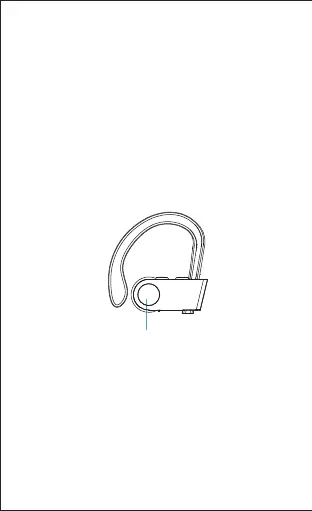
In paired state, long press "+" button and "-"
button at the same time for 2 seconds until you
hear a "Di" sound. (This function works only when
your phone has voice control function; please
refer to the instructions of your phone for details.)
9. Redial the last number
Double press the MFB button in paired state.
10. Sound transfer to headphones or
phone
During a call, long press the MFB button for 2
seconds and you can transfer the sound to your
headphones or phone.
Long press
-10-


 To Next Page