Notes:
If the current file or all files are set Write protect, the file(s) cannot be
deleted. If you want to delete the file(s), unlock the file(s) or format
the Micro SD card.
After deleting a picture or a video file, the deleted files can't be
restored! It is also possible to delete all files from the card by using
the Format parameter.
The trail camera comes with preset manufacturer settings. You can
change the settings to meet your requirements. Please make sure that
the camera is in the SETUP mode. Once the camera screen is on,
press the MENU key to enter/exit the menu. Press the UP/DOWN key
to move the marker and the OK key to enter setting. Press the
UP/DOWN key to change the setting, MENU key to go back, and the
OK key to confirm the change. Always remember to press the OK to
save the change.
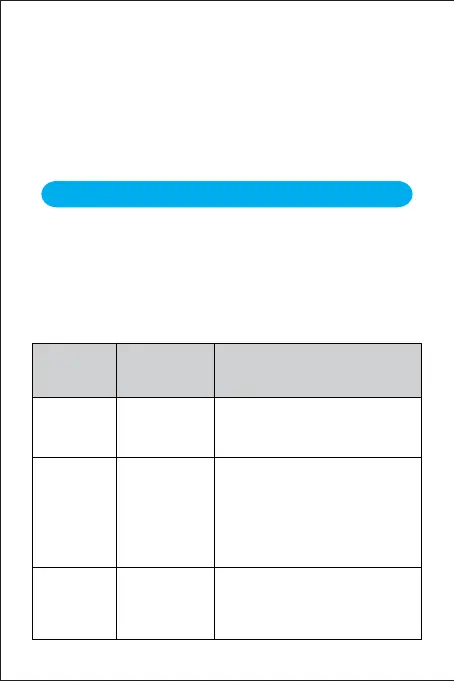
Advanced Settings
Parameter
Settings
(Bold =default)
Description
Mode
Photo,
Video,
Photo & Video
Select desired resolution for photos.
Higher resolution produces better
quality photos, but creates larger files
that take more of the Micro SD card
capacity. Besides, larger files require
longer time to write to the Micro SD
card, which will slightly slow the
shutter speed.
Select whether still photos or video
clips are taken. In Photo & Video
mode, the camera can first take photos
and then shoot videos afterward.
14MP
12MP
8MP
5MP
3MP
1MP
Photo
Resolution
(affects still
photos only)
Select the number of photos taken in
sequence per trigger in Photo mode.
Please also refer to the Shot Lag
parameter.
1 photo,
2 photo in
series,
3 photo in
series
Photo Series
(affects still
photos only)
- 9 -


 To Next Page