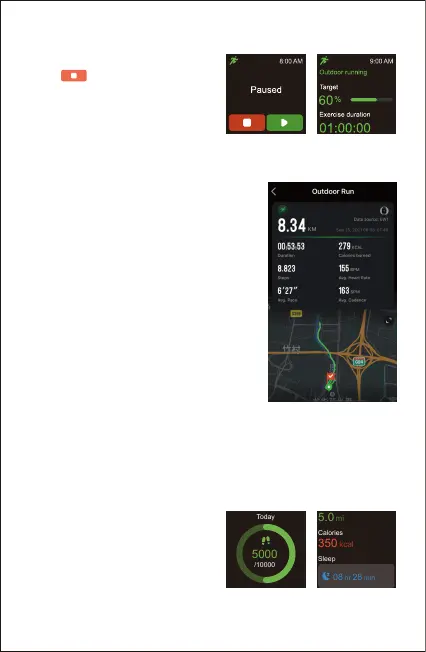
End the sport
Press the function button and
tap to end the sport.
Exercise data is displayed after
the exercise has ended. Swipe
up the screen to flip through
exercise data:
- 14 -
Notes:
● After ending an exercise, you can
view detailed data and graphs in the
app (Go to the "Summary" page,
swipe down the page to synchronize
data, and tap the exercise you just
ended).
● After you finish the outdoor cycling,
outdoor running, outdoor walking or
hiking exercise in GPS mode, your
movement track will be displayed in
the app (Go to the "Summary" page
of the app, and then tap on the
exercise you just ended to view).
● Data of exercises less than 2
minutes will not be saved.
● When the battery level is less than 10%, the watch enters low
battery mode, in which you cannot start a sports mode. Please
charge the watch to operate it again.
2. Tracking Daily Activity Data
The watch tracks your all-day
activity data, including steps,
distance, calories burned, sleep,
and workout data.



 To Next Page