- 16 -
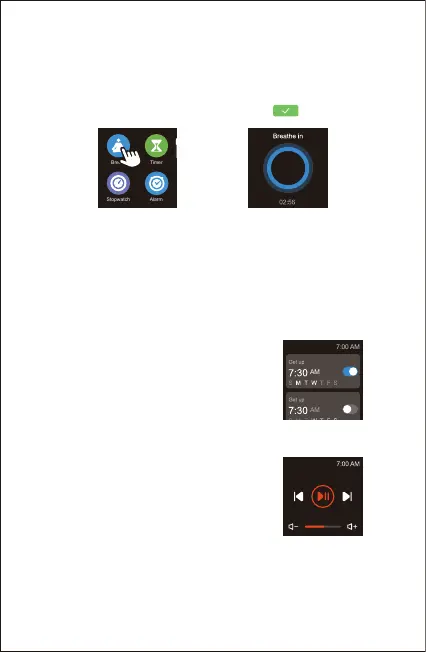
5. Breathing Guide
Tap "Breathe" in the function list to enter breathing mode.
Select the duration of the breathing training and follow the
instructions to breathe. If you want to end the breathing
training, press the function button and tap to exit.
7. Controlling Phone Music
After the watch is connected to your
phone, tap "Music Control" on the watch
to enter the function and control the
music playing on your phone.
6. Setting Alarms
1) Go to the "Device" page in the Letsfit app.
2) Tap "Alarm" to enter the alarm setting interface.
3) Tap "Add" to add an alarm.
4) Set the alarm time, title, vibration period and repeat time.
Choose to turn on/off the snooze mode.
5) Tap "Confirm" to save your settings.
Note:
You can only control the music player that’s running on your
phone.
You can enable/disable the alarm on your
watch (Tap "Alarm" on the watch and then
choose to turn on/off the alarm you set.)



 To Next Page