- 15 -
Note:
GPS is required for calculating your distance in Outdoor Cycle.
Please wait for successful GPS positioning before start.
End the sport
Hold the up button until the circle is full to end
the sport.
During sports
● Swipe the screen up/down to flip through
exercise data.
● Press the up button to pause/resume the sport.
Exercise data is displayed after the exercise
has ended. Swipe up the screen to flip through
exercise data:
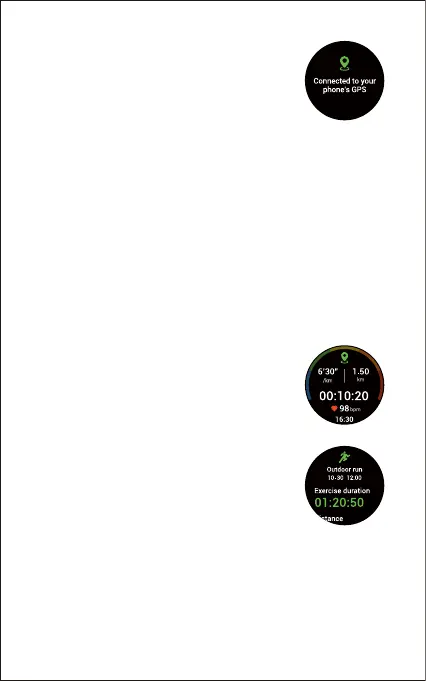
When you start an outdoor sport, the watch
begins searching GPS signal. Please let the
Letsfit app run in the background and allow the
location services on your phone, then move to
an open area and stand still to better receive the
signal. After the GPS is connected, the watch will
start tracking the sport.
For best results, wait for the signal to be discovered before you
start your activity.
If you don’t want to wait for the GPS signal to be discovered, tap
"Skip" to move to the activity screen and get started. But your
movement route cannot be displayed before successful
positioning. Sport starts after successful positioning or skipping
positioning.
GPS connected
successfully



 To Next Page