- 19 -
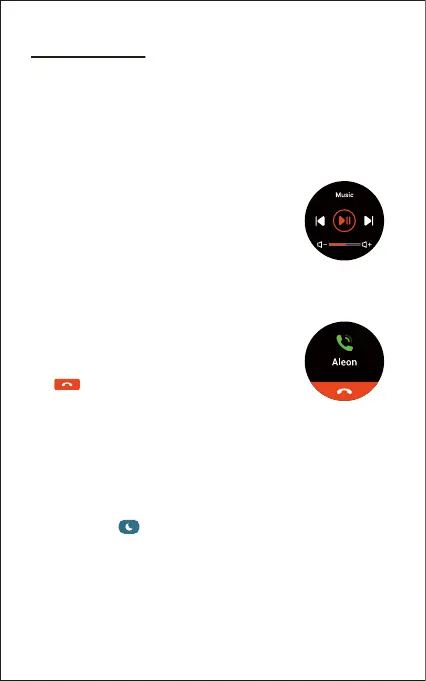
9. Controlling Phone Music
After the watch is connected to your phone, tap
"Music" in the function list and control the music
playing on your phone.
Note:
You can only control the music player that’s running on your phone.
10. More Functions
10.1 Call Notification
When there is an incoming call, the watch vibrates
to alert you, and the screen displays the caller ID.
Tap on the watch screen to reject the call.
Notes:
● Only when "Notification alerts" is enabled in the app ("Settings"
page → "EW4" → "Notification alerts", turn on "Notification
alerts"), will calls be notified.
● When the "Do not disturb" function is enabled in the app
("Settings" page → "EW4" → "Do Not Disturb") or on the watch
(Status bar → ), calls will not be notified on the watch
during the do-not-disturb period.
Method 2 (In the app):
1) Go to the "Settings" page in the Letsfit app and tap "EW4".
2) Tap "Sleep Alarm" to enter the alarm setting interface.
3) Tap "Add" to add an alarm.
4) Set the alarm time, title, vibration period and repeat days.
5) Tap "Confirm" to save your settings.



 To Next Page