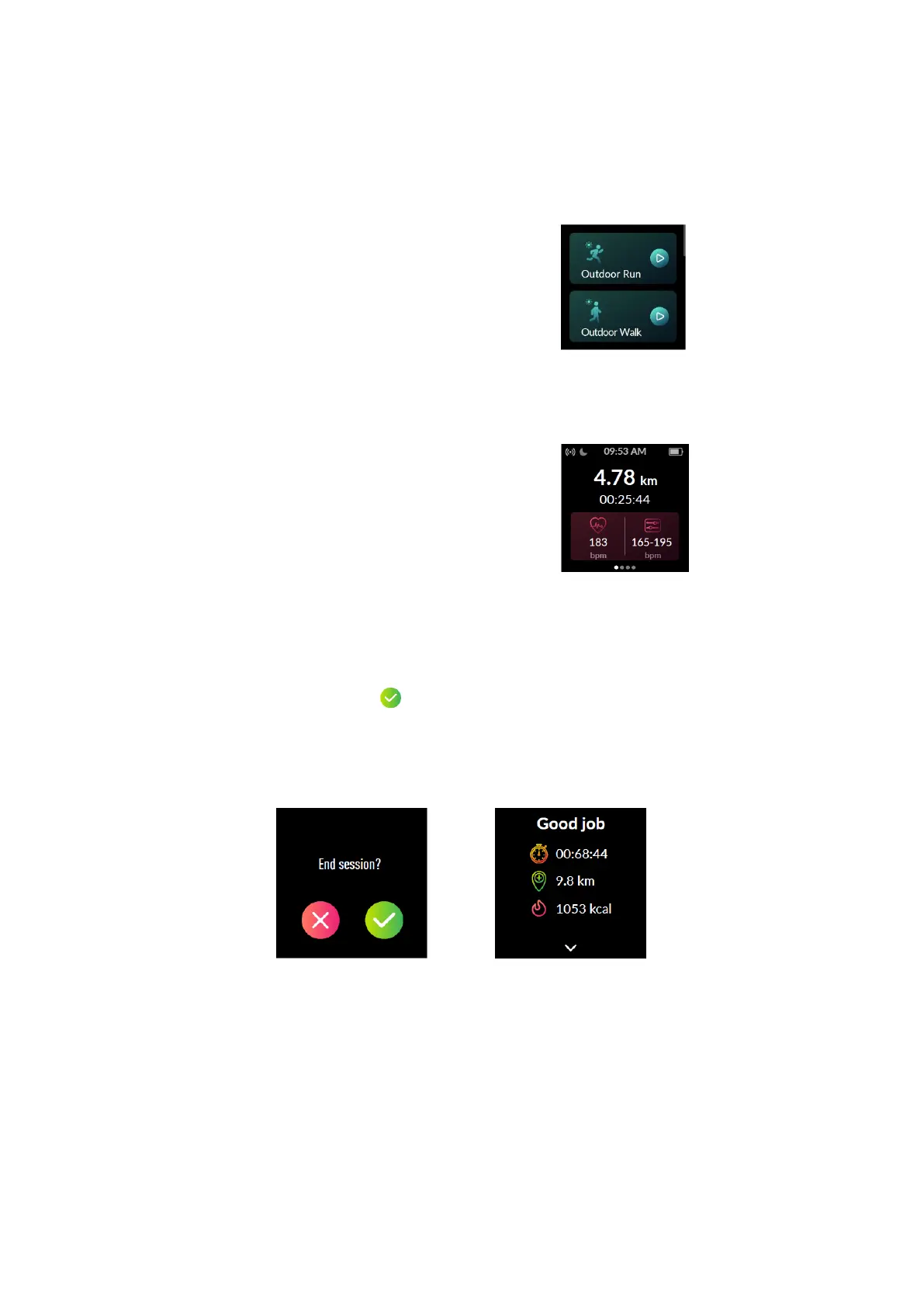
Swipe the screen left or right to flip through
exercise data.
Press the function button to pause /
resume the sport.
Swipe the screen to the far left so you can
control the music playing on your phone.
End the sport
Hold the function button and tap to end the sport.
Exercise data is displayed after the exercise has ended. Swipe up the screen to flip
through exercise data:
Notes:
After ending an exercise, you can view detailed data and graphs in the app (Go to
the "Summary" page, swipe down the page to synchronize data, and tap the
exercise you just ended).
Data of exercises less than one minute will not be saved.



 To Next Page