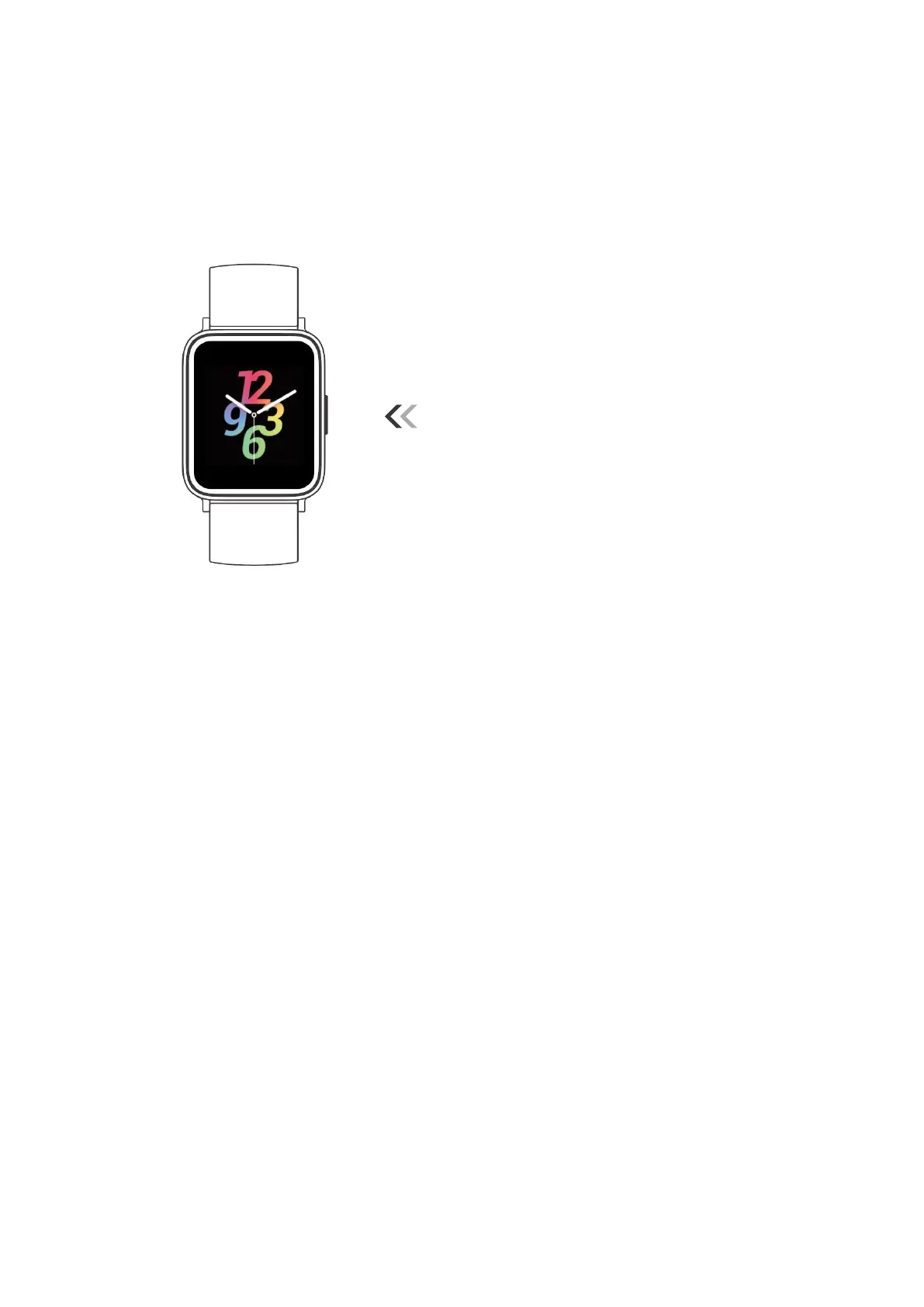
Turn on / off the watch:
Press and hold the function button for 3
seconds.
Wake a dimmed screen:
Press the function button or turn your wrist
towards you.
Return to the previous interface:
Swipe the screen to the right.
Return to the home screen:
Press the function button.
Watch Interfaces
This is a touch screen; swipe the screen to go to different interfaces, and tap to enter the
function.
The home screen is the clock. On the clock:
Swipe up to view daily steps, daily distance, daily calories burned and weekly activity
data.
Swipe down to see notifications.
Swipe left to the function list, including sports mode, heart rate, sleep, blood oxygen,
records, music control, alarm, stopwatch and settings.
Swipe right to see the quick settings bar (auto heart rate monitor, screen brightness
level, do not disturb, find my phone).



 To Next Page