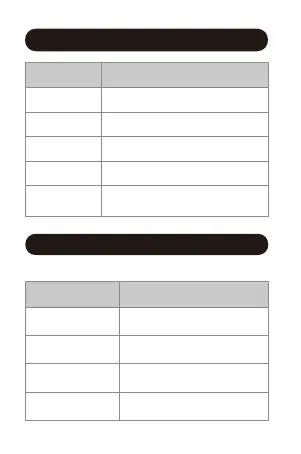
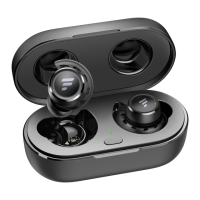
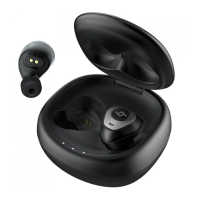
Charging Case LED Indicator Guide
Pairing
Connected
Being charged
Fully charged
Low battery
Flashes red and white alternately
Flashes white once every 8 seconds
Solid red
Off
Flashes red twice every 5 seconds
with voice prompt
System State Indicator Activity
60%-100% battery
20%-60% battery
0%-20% battery
Low Battery
The 3 indicators stay white
for 3 seconds
The first 2 indicators stay
white for 3 seconds
The first indicator stays
white for 3 seconds
The first indicator flashes
white 5 times
Battery Level Indicator Activity
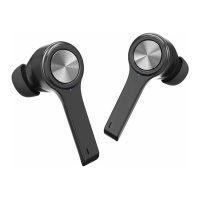
Earbuds LED Indicator Guide
- 3 -
Open the charging case to check its battery level.


 To Next Page