23
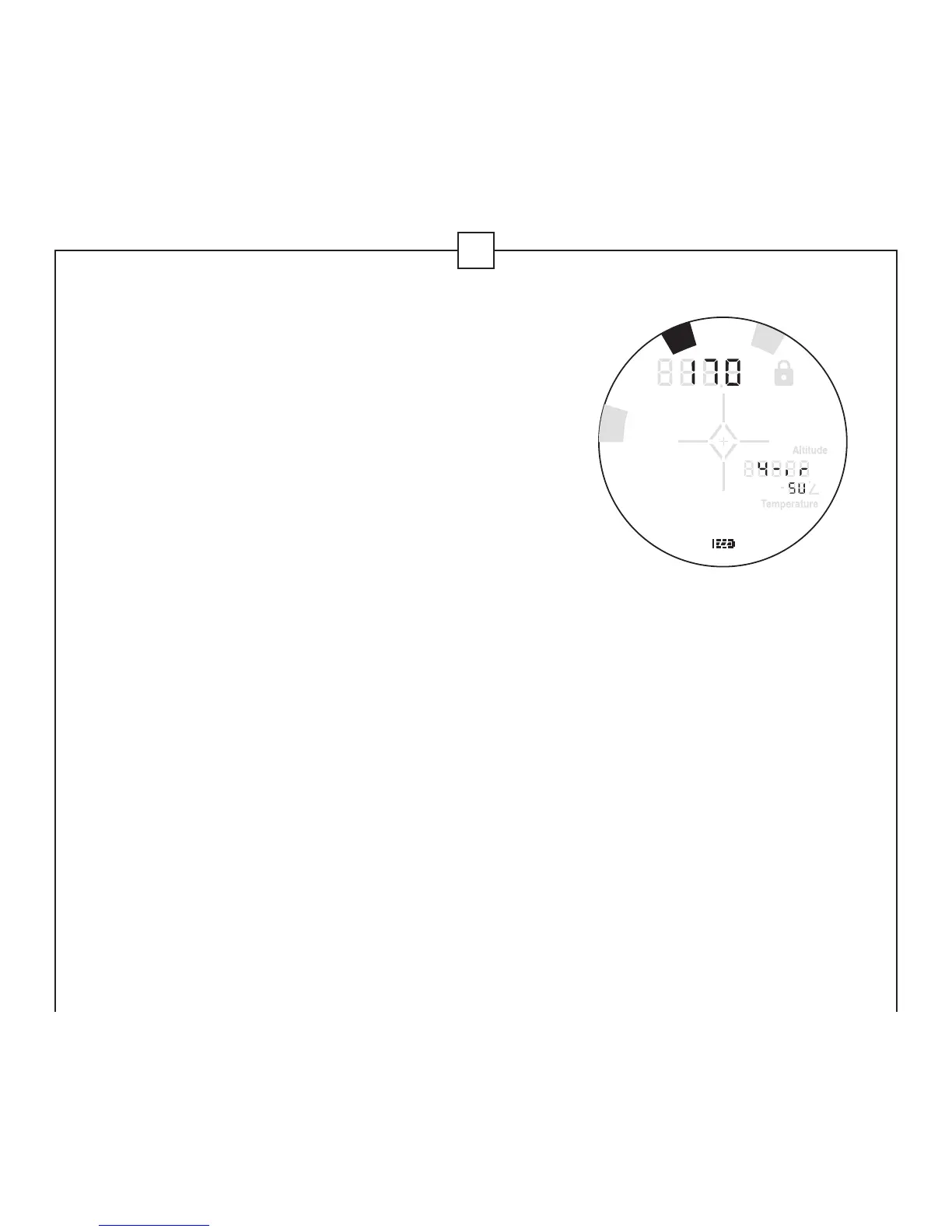
5) The 4-iron symbol will now be highlighted and
the last saved distance will be shown in the
upper numeric display. If you wish to input a
distance other than the one shown, proceed to
step 6. To save the shown distance for your
4-iron, press and release MODE for at least 2
seconds. To continue through the Quick Set
Menu and manipulate another feature, press
and release MODE until the appropriate icon is
displayed.
6) Press POWER to set the distance obtained with your 4-iron shot in
5-yard/meter increments beginning with the last saved distance, until
240 yards has been reached. Once 240 yards has been reached, it will
reset to 100 yards and start over again. Press and hold MODE for at
least 2 seconds to save. To manipulate another function, press and
release MODE until the appropriate icon is displayed.
in
cm
M
Y
ft
L
O
S
C
L
U
B
T
G
R


 To Next Page
 Loading...