11
GX-5
i
3
BATTERY
POWER
MODE
FOCUS
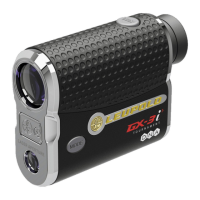
The GX-5i
3
has two buttons: POWER and MODE. When you initially press the
POWER button, the display is activated and the unit is ready for ranging. Press the
POWER button a second time to range, or hold the POWER button depressed to
scan. Scanning automatically updates the display. When ranging without a steady
rest at long distances, you can easily differentiate the pin from other potential
targets behind the pin.



 To Next Page
 Loading...