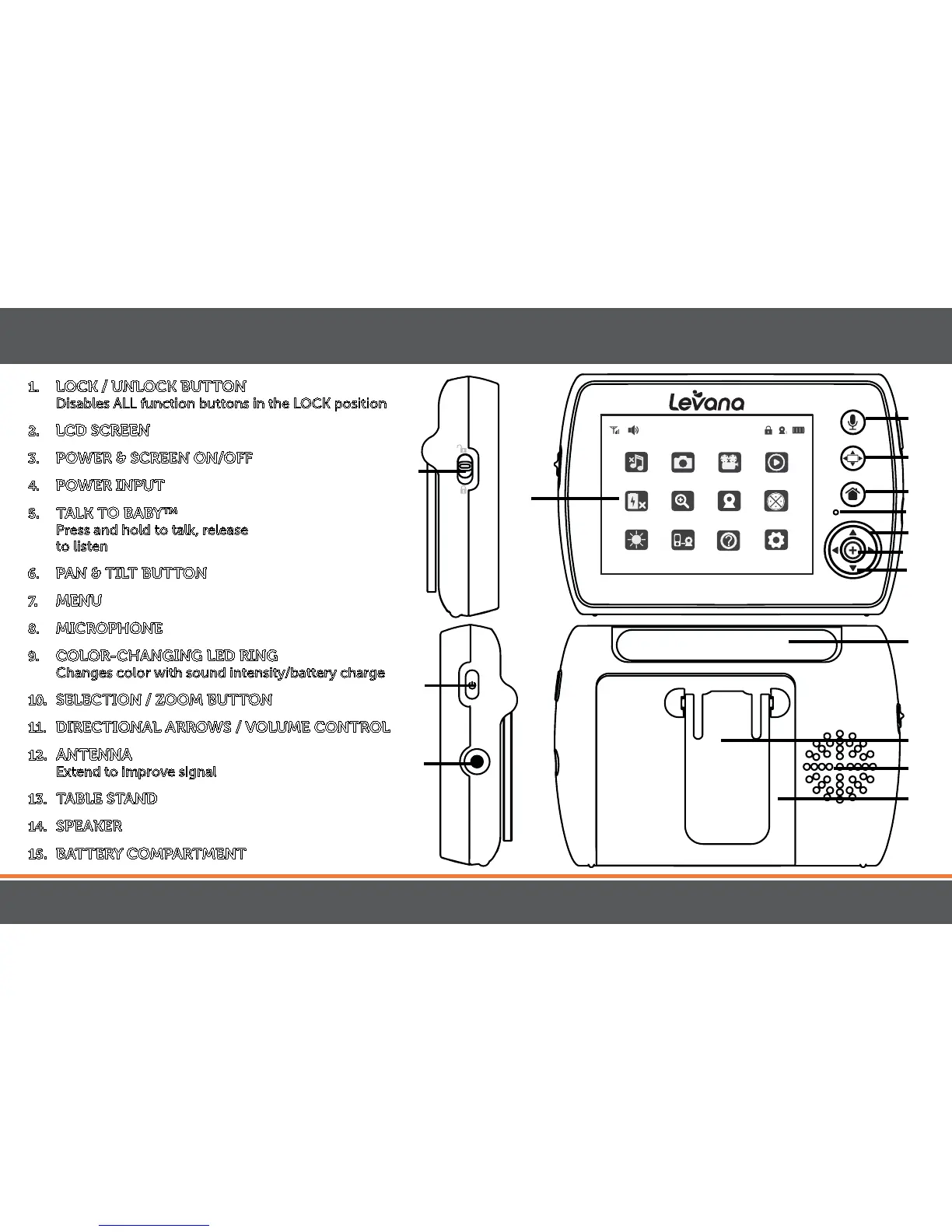
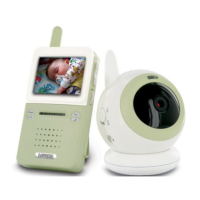
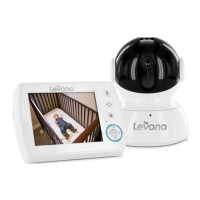
1. LOCK / UNLOCK BUTTON
Disables ALL function buttons in the LOCK position
2. LCD SCREEN
3. POWER & SCREEN ON/OFF
4. POWER INPUT
5. TALK TO BABY™
Press and hold to talk, release
to listen
6. PAN & TILT BUTTON
7. MENU
8. MICROPHONE
9. COLOR-CHANGING LED RING
Changes color with sound intensity/battery charge
10. SELECTION/ZOOMBUTTON
11. DIRECTIONAL ARROWS / VOLUME CONTROL
12. ANTENNA
Extend to improve signal
13. TABLE STAND
14. SPEAKER
15. BATTERY COMPARTMENT
5
6
7
10
9
11
2
8
12
8
1
3
4
mylevana.com
MONITOR
13
15
14


 To Next Page