16
SECTION 13: WI-FI PASSWORD RESET
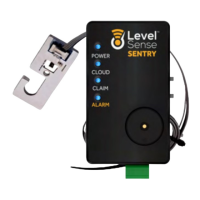
To clear the Wi-Fi credentials from the Level Sense Sentry, complete the following steps:
• Press and hold the SILENCE button until all four LEDs appear as RED.
• Let go of the SILENCE button, and then click the SILENEC button two times, two LEDS will remain
lit.
• Wait until the two remaining red LEDs go out, and then press the RESET button. The password
reset is complete. Proceed to Section 8 for guidance on how to get your device back online.
SECTION 14: SERVICE DISCLAIMER
Level Sense includes a minimum cloud monitoring service (“Portal”) period of one year from the
date of manufacture. Continued service may be offered monthly or annually for a fee or gratis. Level
Sense reserves the right to alter, amend or change information, services, and pricing at any time.
Level Sense also reserves the right to modify or discontinue services at any time after the first year.
LEVEL-SENSE.COM
LEVEL SENSE SENTRY USER MANUAL


 To Next Page